1
Section 2 - Installation
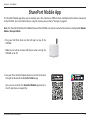
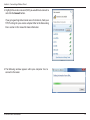
4.From your iOS mobile device, tap Settings.
Settings
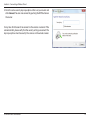
5.Click Wi-Fi and select the network (SSID) that you assigned
during initial setup. Then, enter your Wi-Fi password.
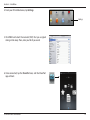
6.Once connected, tap the SharePort icon, and the SharePort
app will load.
D-Link DIR-506L User Manual
14