1
ROCLINK 800 User Manual
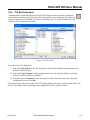
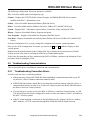
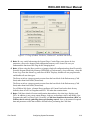
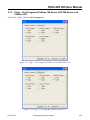
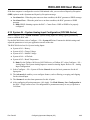
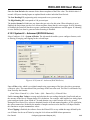
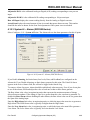
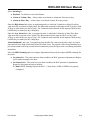
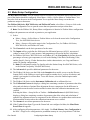
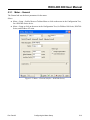
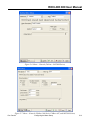
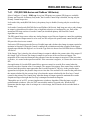
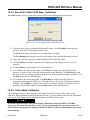
2.5.1 Device Root
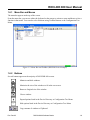
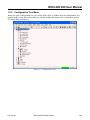
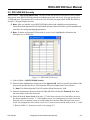
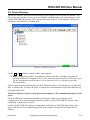
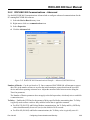
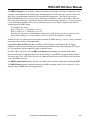
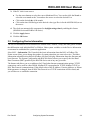
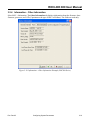
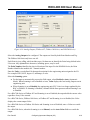
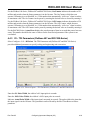
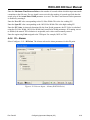
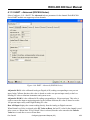
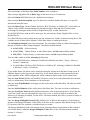
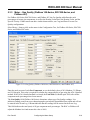
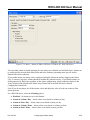
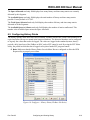
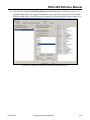
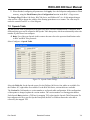
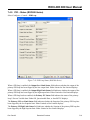
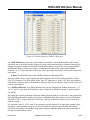
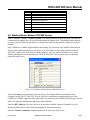
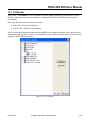
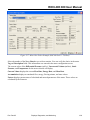
The Device Root is the organizational level in the Device Directory. When you open ROCLINK 800
software, the default Device labels display in the Device Directory. You can modify these
communications setup configurations, or you can create new configurations.
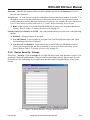
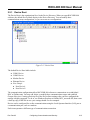
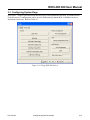
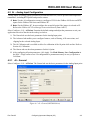
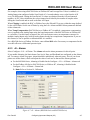
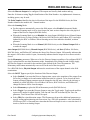
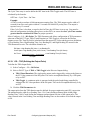
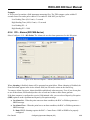
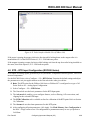
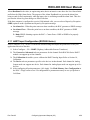
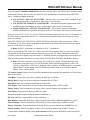
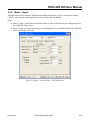
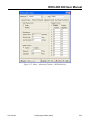
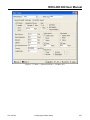
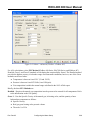
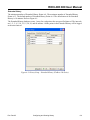
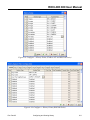
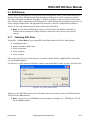
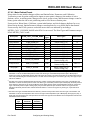
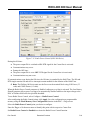
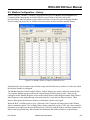
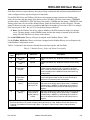
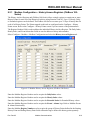
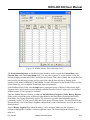
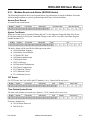
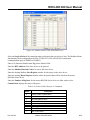
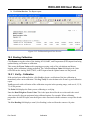
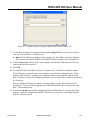
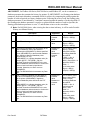
Figure 2-11. Device Root
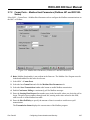
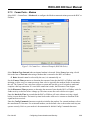
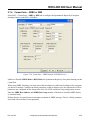
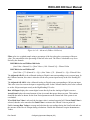
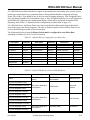
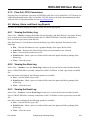
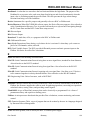
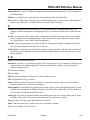
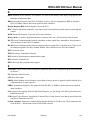
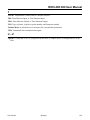
The default Device Root labels include:
♦ COM1 Device
♦ COM2 Device
♦ Modem Device
♦ Ethernet Device
♦ New Group1
♦ New Device1
♦ New Device2
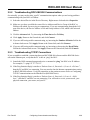
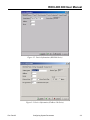
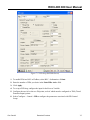
The communication configurations allow ROCLINK 800 software to communicate to an individual
ROC or FloBoss unit. You may add, delete, or modify these communications setups and establish
Groups of devices. Creating a back-up file of the Device Root settings after you have configured the
settings is highly suggested. To do so, use Windows Explorer to find the ROC_user.mdb file, then create
a back-up copy of this file in case your settings should ever be corrupted.
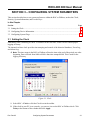
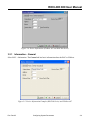
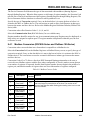
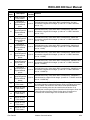
Devices can be configured for on-line communications using the Local Operator Interface (LOI) port or
a communication port, such as a modem.
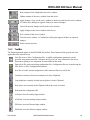
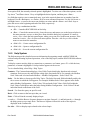
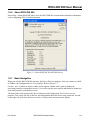
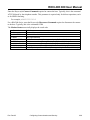
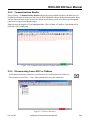
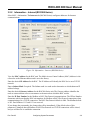
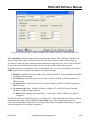
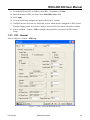
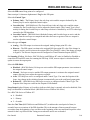
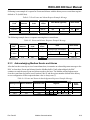
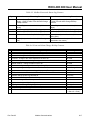
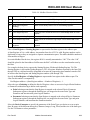
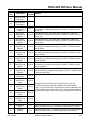
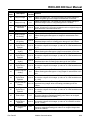
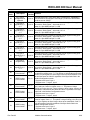
Each icon represents a different type of communications connection.
Rev. Dec-05
Configuring Communications and Security
2-15