1
Use
Timed cooking
Timed cooking is the function
which allows a cooking operation
to be started and then ended after
a specific length of time set by the
user.
Activation of timed cooking
cancels any minute minder timer
which may previously have been
set.
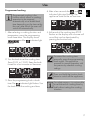
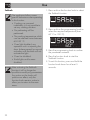
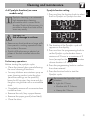
1. After selecting a cooking function and
temperature, press the programming
knob three times. The display shows
and the
indicator light
flashes.
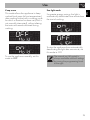
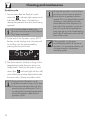
4. At the end of the cooking time STOP
flashes on the display and a buzzer will
sound that can be deactivated by
pressing the function knob.
To select a further timed cooking,
turn the programming knob right or
left again.
To extend the cooking time
manually, press the programming
knob again. The appliance
resumes its normal operation with
the previously selected cooking
settings.
Press and hold the function knob
down to switch off the appliance.
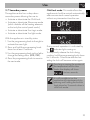
2. Turn the programming knob to set the
cooking time (from 00:01 to 13:00).
Keep the knob turned to produce a
faster increase or decrease.
3. A few seconds after the required
duration is set, the
indicator light
stops flashing. Press the function knob to
start timed cooking.
16