1
Language (Language)
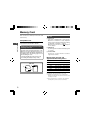
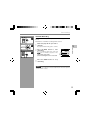
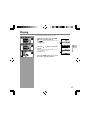
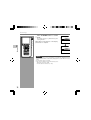
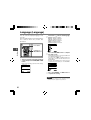
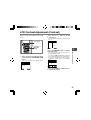
You can select the display language for this
recorder.
The selectable language varies depending on
the countries where the product was
purchased.
2
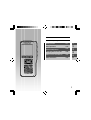
PLAY/OK, +, – ,
9, 0 button
PLAY/OK
Language
BACK
3
1
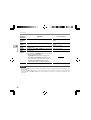
English...Displays in English.
Deutsch...Displays in German.
Français...Displays in French.
Español...Displays in Spanish.
Italiano...Displays in Italian.
Русском...Displays in Russian.
Language
English
F1, F3 button
3
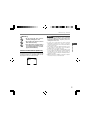
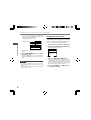
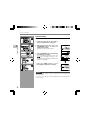
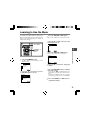
Press the + or – button to set the language.
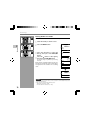
Select [Language] at the [Display Menu]
screen, then press the PLAY/OK or 9
button.
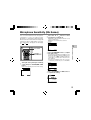
Refer to P.33 regarding each menu item settings.
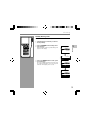
Press the PLAY/OK button to complete
the setup screen.
The displayed language is changed and will return
to the [Display Menu] screen.
If you press the 0 or F1(BACK) button the
setting will be cancelled and it will return to the
[Display Menu].
Pressing the F3(EXIT) button will cancel the
contents being set and take you out of the MENU.
Language
English
Display Menu
Backlight
Contrast
LED
Language
12
English
Set
BACK
BACK
EXIT
EXIT
4
EXIT
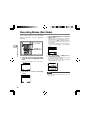
Press the F3(EXIT ) or 0 button to
complete the setting.
Note
• The selectable language varies depending on the
countries where the product was purchased.
40