1
Summary Checklist for Encrypted vs. Unencrypted mode
Encrypted
A password will be required
each time the application is
started.
Patient information and images
are encrypted. Data is stored
within the application.
Data is stored in a HIPAA
compliant manner.
Unencrypted
No password will be required
when using the application.
Patient information and images
are not encrypted. Data is stored
within the application.
Data storage is not HIPAA
compliant.
Calibrating the Camera
The camera must be calibrated before imaging a patient for the first time.
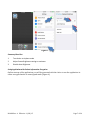
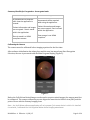
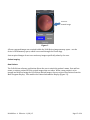
After software initialization has taken place and the user has moved past Data Encryption
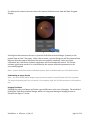
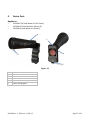
Selection, the user is presented with the Main Program Display (Figure 5).
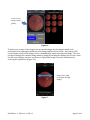
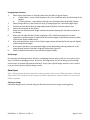
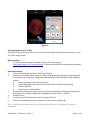
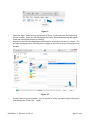
Figure 5
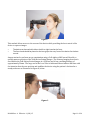
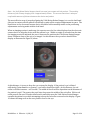
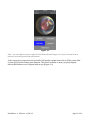
Before the Volk iNview Retinal Imager can be used to acquire retinal images, the camera must first
be calibrated. The camera calibration process aligns the smart device field-of-view (FOV) and the
point of focus with the Primary Imaging Lens.
Note – the Volk iNview software application will only operate if the smart device in which it is installed
is used with / calibrated to a Volk-supplied iNview retinal imaging attachment.
IM-088 Rev: A Effective: 11/02/15
Page 9 of 34