1
103202-01EN, Rev. A, December 2012
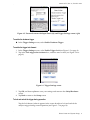
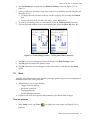
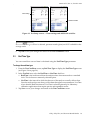
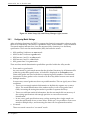
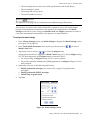
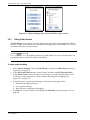
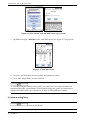
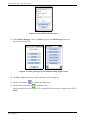
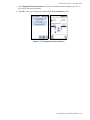
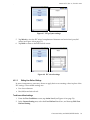
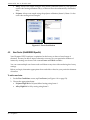
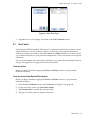
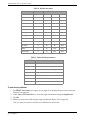
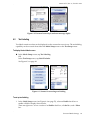
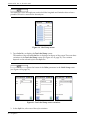
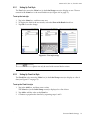
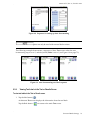
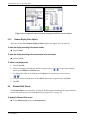
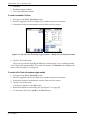
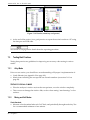
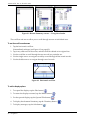
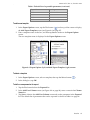
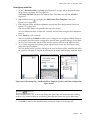
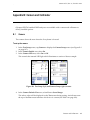
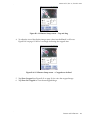
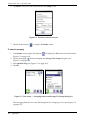
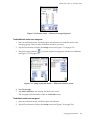
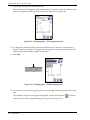
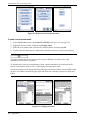
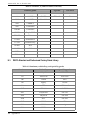
Figure 4-7 IEC polymer settings
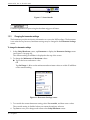
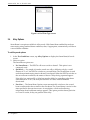
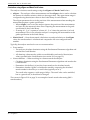
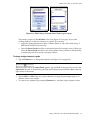
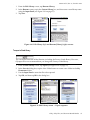
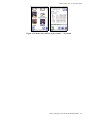
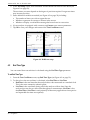
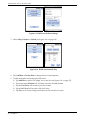
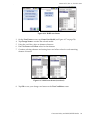
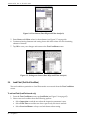
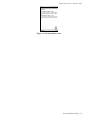
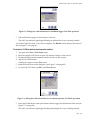
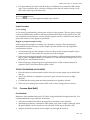
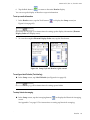
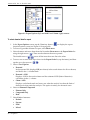
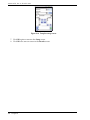
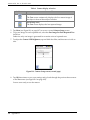
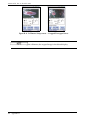
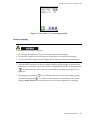
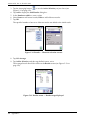
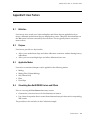
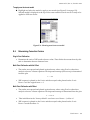
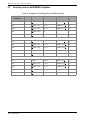
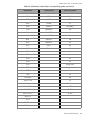
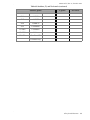
5. Tap Mixed to view the IEC mixed complement of elements and action level pass/fail
values (see Figure 4-8 on page 53).
6. Tap Back to return to the RoHS mode screen.
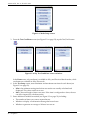
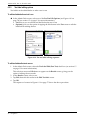
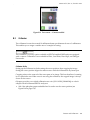
Figure 4-8 IEC mixed settings
4.3.1.2
Editing User Defined Settings
In some circumstances, users may choose to apply their own screening values in place of the
IEC settings. The available settings are:
•
•
List of test elements
Pass/fail/inconclusive levels
To edit user defined settings
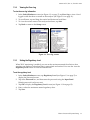
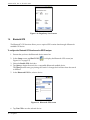
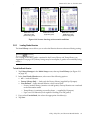
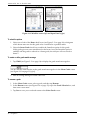
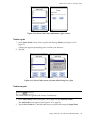
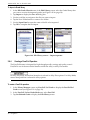
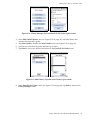
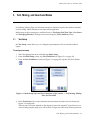
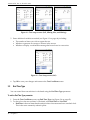
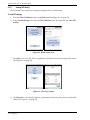
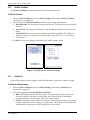
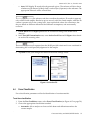
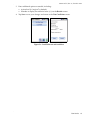
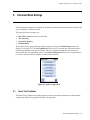
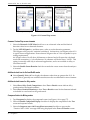
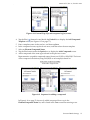
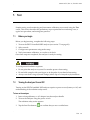
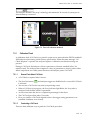
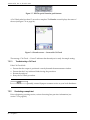
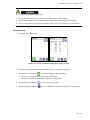
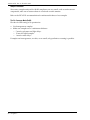
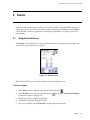
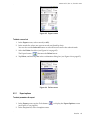
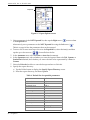
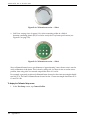
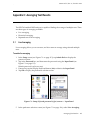
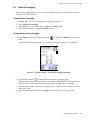
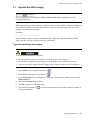
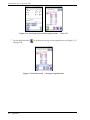
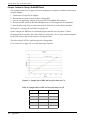
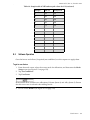
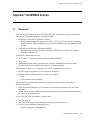
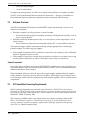
1. From the Test Conditions screen, tap Action Level (see Figure 4-9 on page 54).
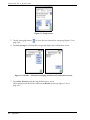
2. In the Current Setting area, select the User Defined check box, and then tap Edit User
Defined Setting.
Consumer Safety and RoHS/WEEE Modes
53