1
2.2 Opening and Closing the Hopper
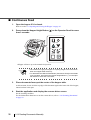
■ Opening the Hopper
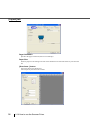
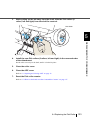
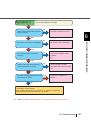
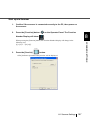
1.
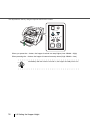
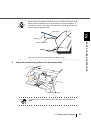
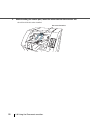
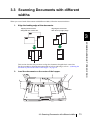
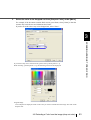
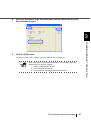
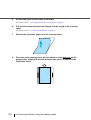
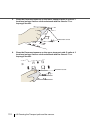
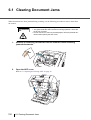
Hold the blue part located on the center of the Hopper.
Function
Hopp
er Heig
ht
Pow
Thin
er Thic
kness
Thic
k
Sen
d to
Scan
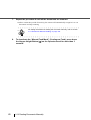
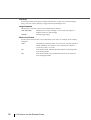
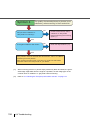
2.
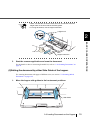
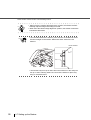
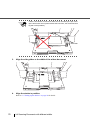
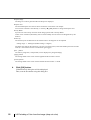
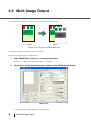
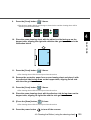
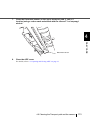
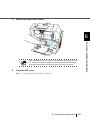
Flip down the Hopper gently.
p r Heig
ht
Power
Thic
Thin
kness
Thick
Send
to
Scan
Function
Hopp
Thin
er Heig
ht
Pow
er Thic
knes
s
Thic
Sen
d to
Scan
10
2.2 Opening and Closing the Hopper
k