1
CH 3 How to Use
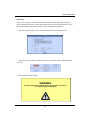
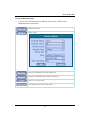
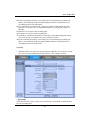
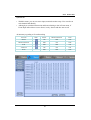
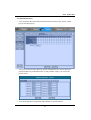
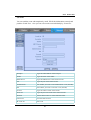
v Event recording has priority in recording. In C/E recording, the recording will
follow conti recording setup in normal condition while it would follow event
recording setup in event generation.
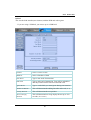
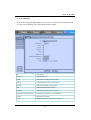
v For convenience, you can use the ‘Apply All’ menu to change with the same
preference. You don’t have to setup each channel if you using the ‘Apply All’
function.
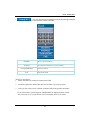
v Duration is to set post event recording time.
v Pre alarm is to set pre event recording time.
v Total shows total fps of all channels. If total fps is more than supported, it turns
red. If it turns red, you need to set a lower resolution or FPS.
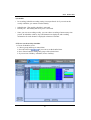
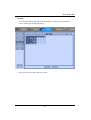
v Event recording has priority in recording. In C/E recording, the recording will
follow conti recording setup in normal condition while it would follow event
recording setup in event generation.
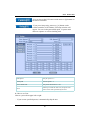
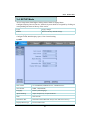
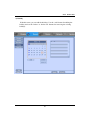
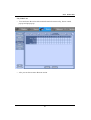
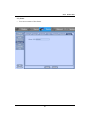
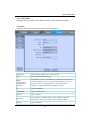
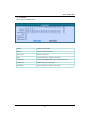
2) Group
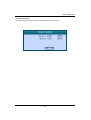
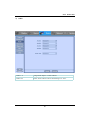
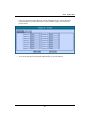
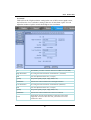
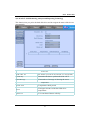
• With this menu, you can set the group using the scheduler. If you choose ‘Group’
tab, you can see the similar screen with ‘Record’. The setting is similar
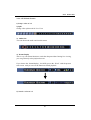
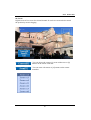
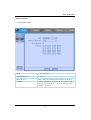
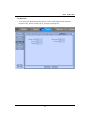
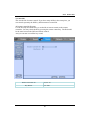
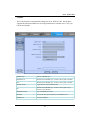
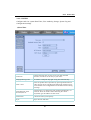
* Timestamp
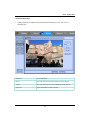
With ‘Record’ and ‘Group’ menu, you can check the ‘Timestamp’ to mark the time
on your recording files.
40