Download Integra32 User Manual - Sharp`s Lock & Alarm
Transcript
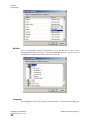
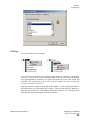
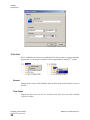
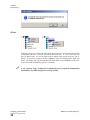
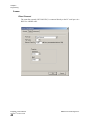
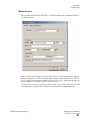
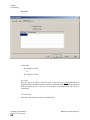
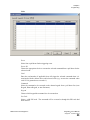
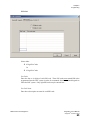
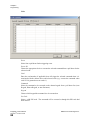
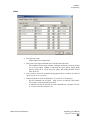
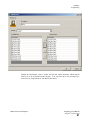
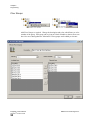
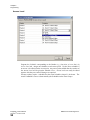
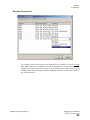
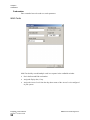
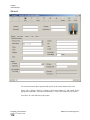
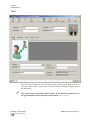
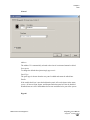
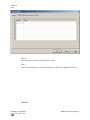
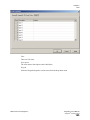
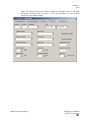
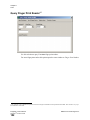
Chapter 5 Programming CCTV24 This tab is available for editing only if CCTV license has been installed, otherwise we can only send messages to DVR servers. The information in this tab is used to interface with a DVR. There are two ways that this interface can be accomplished. 1. The first is by sending messages to DVR servers. Two types of messages can be sent to DVRs: ASCII or XML, selection of which is made in DVR Message Format: as explained under System Options Send Message to DVR First select the camera number you want to display from DVR. Then enter the DVR’s IP address and Port Number associated with the camera you selected as you could be using more than one DVR. For this functionality to work, messages need to be configured in System messages menu as explained on page 135. The ASCII\XML messages are sent to DVR. When <Event> is Output, then <Device ID> = Output ID and <Device Name> = Output name. 24 This selection is only available if the optional license for the DVR Software has been purchased and installed. RBH Access Technologies Inc. ™ Integra32 User’s Manual Integra32TM3.8.22r4.2 SP15 87