1
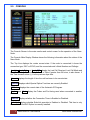
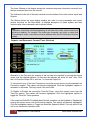
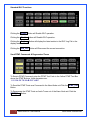
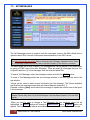
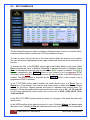
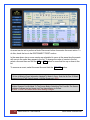
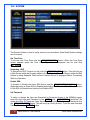
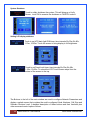
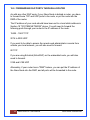
An event can be set to perform a Node Disconnect before it executes the event action. To
do this, check the box in the DISCONNECT FIRST section.
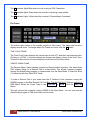
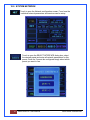
In the case where two or more events are scheduled to occur at the same time the events
will occur in the order they appear in the list. To change the order of events in the list,
select a line and then use the the UP or DN button to move that line up or down in the
list.
To remove an event, select the event line and click the DELETE button.
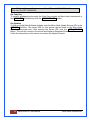
Note:
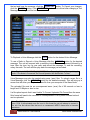
If A Line Is Missing Event Information Needed To Make It Occur, Such As No Day Of Week
Selected Or No DTMF Digits Entered, It Will Be Displayed In RED.
Note:
Multiple Changes Can Be Made To The Screen Before Submitting The Form But The Screen
Schedule Changes Are Not Saved Until The Submit Button Is Clicked.
Be Sure To Click The Submit Button After Making Changes.
21 Nano-Node SE User Manual
Micro-Node International