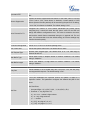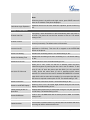
1
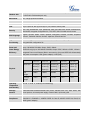
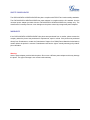
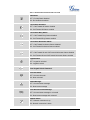
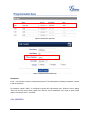
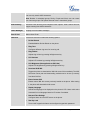
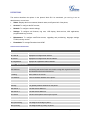
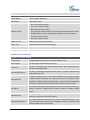
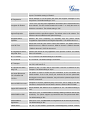
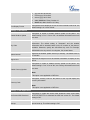
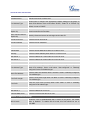
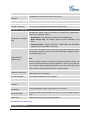
entering transfer target number. Press Transfer softkey to do blind
transfer.
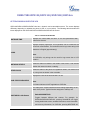
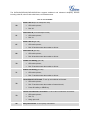
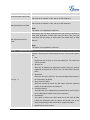
Split
In auto-attended transfer mode, after establishing the second call,
press Split to quit transfer and go back to normal talking status.
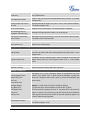
ConfCall
Conferences the active calls.
ReConf
Re-establish the conference among the calls on hold.
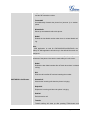
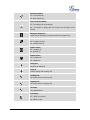
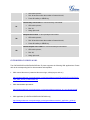
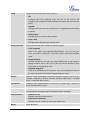
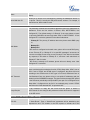
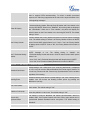
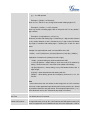
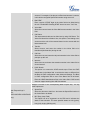
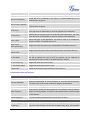
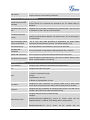
Call Parking: Please refer to GXE5024/5028 Online User Manual for
more information.
CallPark
When the phone dials out, the Call Park softkey will display on
screen. To park the call, press the "CallPark" softkey and select a
green MPK to park the call on available parking lot.
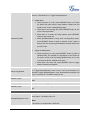
PickUp
When the phone goes off-hook, the "Pickup" softkey will display on
screen. To pick up the parked call, press the "Pickup" softkey and
select the red MPK where the call is parked for retrieve the call.
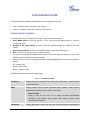
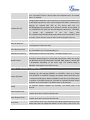
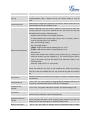
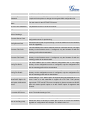
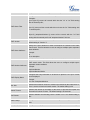
SPECIAL SOFTKEYS
(Only for
GXP2120/GXP2110/GXP2100
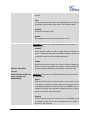
Call Queue: Please refer to GXE5024/5028 Online User Manual for
when integrated with
more information.
GXE5024/5028)
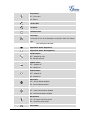
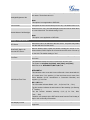
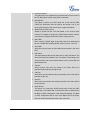
SignIn
Press this button to sign in to the call queue. If the current account
is included in multiple call queues, agent will be prompted in the
LCD display to select the call queue to join. Press MENU button on
keypad to select OK. Once the agent completely signs in, the agent
will be brought back to the main screen.
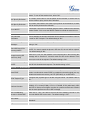
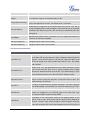
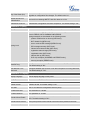
SignOut
Press this button to sign out of the call queue. Press MENU button
on keypad to select OK. This will be displayed once the agent is
signed in to the call queue.
FIRMWARE VERSION 1.0.7.4
GXP2120/GXP2110/GXP2100/GXP14xx USER MANUAL
Page 23 of 85