1
10 Maintenance
The Control Panel and Screen
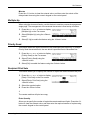
Regular cleaning keeps the control panel and screen free from dust and dirt. To remove
finger prints and smudges, clean the control panel and screen with a soft, lint-free cloth,
slightly moistened with water.
NOTE: The machine should be powered off before cleaning the control panel to
prevent unintended operation.
The Document Feeder and Output Trays
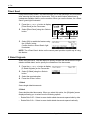
Use a cloth moistened with water to clean the document feeder, output trays, paper
trays and the outside areas of the machine.
Replacing the Drum Cartridge
The drum cartridge is a customer replaceable unit. After approximately 55,000 copies/
prints, the machine will display a warning message before the drum reaches the end of
life. Order a replacement cartridge now to insure continuous operation.
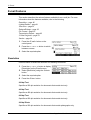
Country
Part Number
All countries
13R589
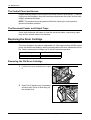
Removing the Old Drum Cartridge
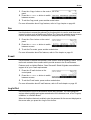
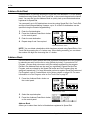
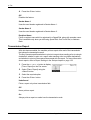
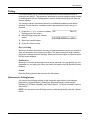
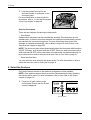
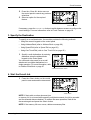
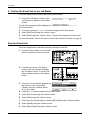
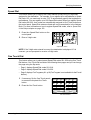
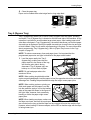
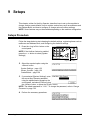
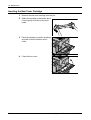
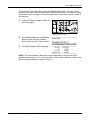
1. Pull the front cover towards you to open
it.
A
D
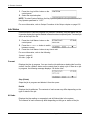
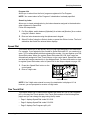
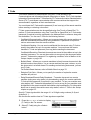
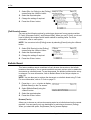
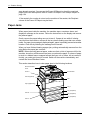
2. Open Tray 5 (bypass tray) if necessary,
and then open Cover A while lifting up
the release lever.
166
Xerox CopyCentre/WorkCentre 118 User Guide