1
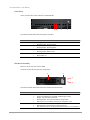
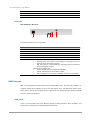
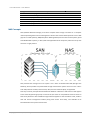
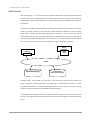
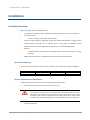
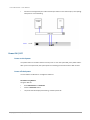
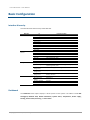
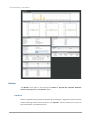
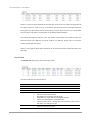
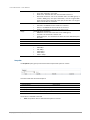
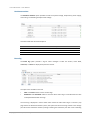
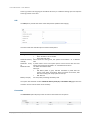
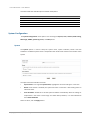
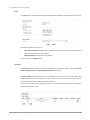
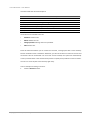
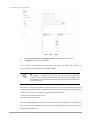
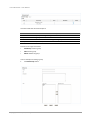
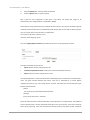
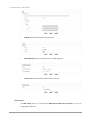
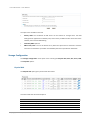
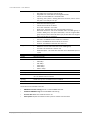
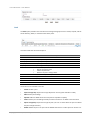
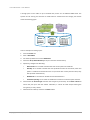
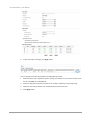
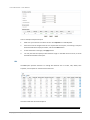
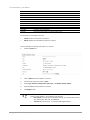
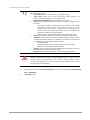
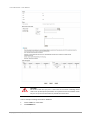
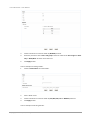
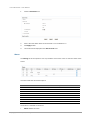
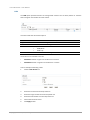
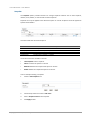
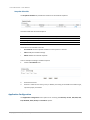
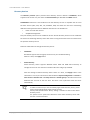
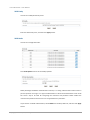
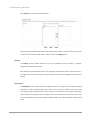
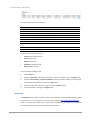
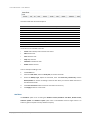
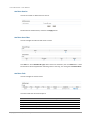
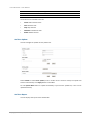
D-Link Document – User Manual Front View There are three LEDs and one button on DNS-1560-04 1 2 3 4 This table provides details about the button and LEDs. Number 1 2 3 4 Description LAN1(Management port) LED: Blinking amber: Accessing data. LAN2 LED: Blinking amber: Accessing data. Status LED: Blinking amber: System error. Power button. Blue: Power on. Disk Drive Assembly Remove a drive tray. Then install a HDD. The front of each disk tray has four components: 3 4 1 2 This table provides details about the front components of a disk tray. Number 1 2 Description Status LED: Green: The hard drive is inserted and working normally. Amber: The hard drive has failed. Blinking amber: The hard drive data is being rebuilt. Off: There is no hard drive in the tray or the power is off. Access LED: Blinking green: The hard drive is being accessed. Off: The hard drive is not being accessed or there is no hard drive in Copyright@2014 D-Link System, Inc. All Rights Reserved. 12