1
D-Link Document – User Manual
How to Use the Guided Configurations
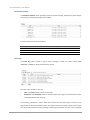
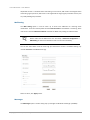
To help users get started quickly, a guided configuration tool is available in the Web UI. The Setup
wizard guides you an easy way to create a volume. If you are an advanced user, you can skip this
step.
Setup Wizard Tool
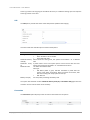
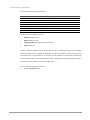
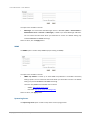
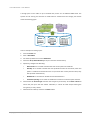
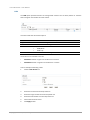
This tool guides you through the process of setting up basic array information, configuring network
settings, and the creation of a pool on the storage system. Please make sure that the system has
some free hard drives installed on it. The following is the procedure.
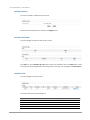
1.
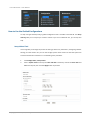
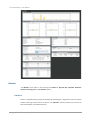
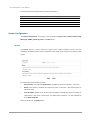
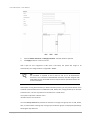
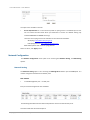
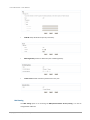
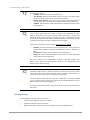
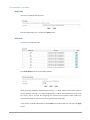
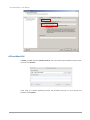
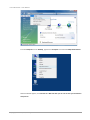
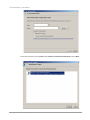
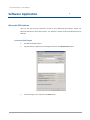
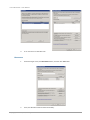
Click Configuration / Setup wizard.
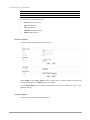
2.
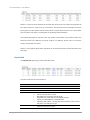
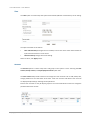
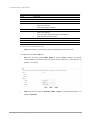
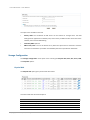
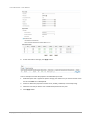
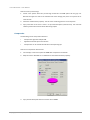
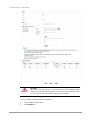
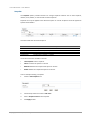
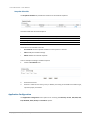
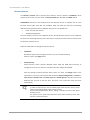
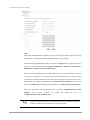
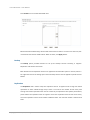
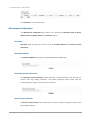
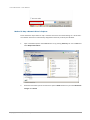
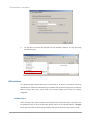
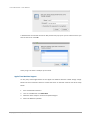
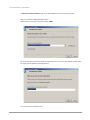
Enter a System name and set up the Time and date if necessary. Choose the Time zone and
RAID level of pool, then click the Apply button to proceed.
Copyright@2014 D-Link System, Inc. All Rights Reserved.
21