1
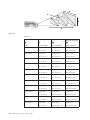
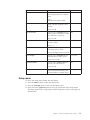
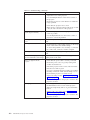
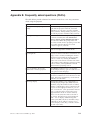
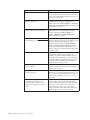
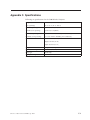
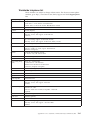
Item
Description
Default
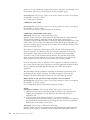
Blank Screen
Press the cursor left/right button to
select a background color for blank
screen.
Blue
Range:
Black/Red/Green/Blue/White
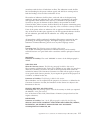
Auto Source
Press the cursor left/right button to
enable or disable automatic source
detection.
On
Range: On/Off
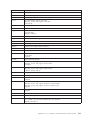
Auto Power Off
Press the cursor left/right button to
disable automatic shutdown of lamp
after 10 minutes of inactivity.
Off
Range: On/Off
Volume
Press the cursor left/button to adjust
the audio volume.
4
Range: 0 - 8
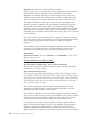
Menu Position
Press the cursor left/right button to
position the OSD on screen.
Center
Range: Left/Right/Center/Down/Up
Menu Display
Press the cursor left/right button to
determine timeout delay of OSD.
15 seconds
Range: 10-30 seconds
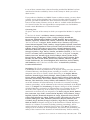
Translucent Menu
Press the cursor up/down button to
set menu screen translucency.
Off
Range: On/Off
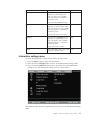
Cancel
Resets Auto Power-Off, Volume,
Menu Position, Menu Display, and
Translucent Menu to default values.
Not applicable
Setup menu
To
1.
2.
3.
access the Setup menu, follow the steps below:
Press the Menu button to open the main menu.
Press the left/right cursor to move to the Setup menu.
Press the cursor up/down button to move up and down in the Setup menu.
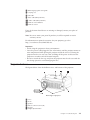
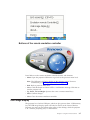
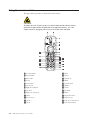
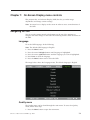
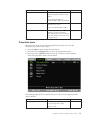
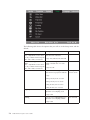
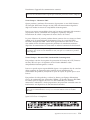
The Setup menu with a single input and the Setup menu with a dual input are
shown below:
Chapter 7. 1On-Screen Display menu controls
7-5