1
bio bas. 1- User’s manual
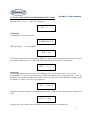
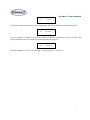
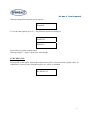
The time defined for the first point is displayed:
T.: (12)
1
To modify the value use the vertical arrow (↑ and ↓), to change the number use the horizontal arrow
(Y→) and confirm pressing OK.
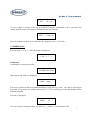
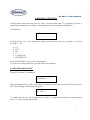
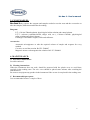
The activity percentage for the second point is displayed:
%: (25)
2
To modify the value use the vertical arrows (↑ and ↓), to change the number use the horizontal arrow
(Y→) and confirm pressing OK.
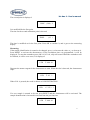
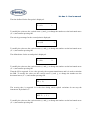
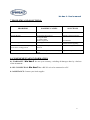
The defined time for the second point is displayed:
T.: (24)
2
To modify the value use the vertical arrows (↑ and ↓), to change the number use the horizontal arrow
(Y→) and confirm pressing OK.
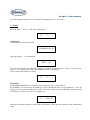
Then the ISI is requested. It is a value given by the reagents manufacturer and it is used to calculate
the INR. To modify the value use the vertical arrows (↑ and ↓), to change the number use the
horizontal arrow (Y→) and confirm pressing OK.
ISI: ( 2)
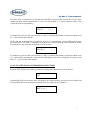
The security time is requested. It is the time during which optical variations do not stop the
instrument. By default is 5”.
SEF. T.:
( 5 )
To modify the value use the vertical arrows (↑ and ↓), to change the number use the horizontal arrow
(Y→) and confirm pressing OK.
16