1
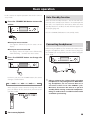
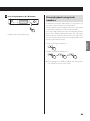
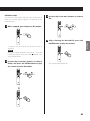
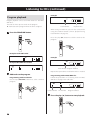
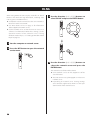
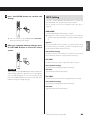
5 Press the play/pause (7/9) button.
Playback starts from the first track.
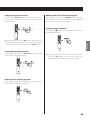
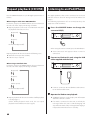
Direct playback using track
numbers
In addition to using the skip buttons to select tracks, you
can input a track by number and start playback.
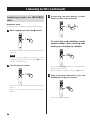
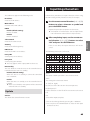
During playback or when stopped, you can use the remote
control number buttons to select a track by number.
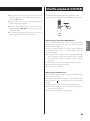
For a single-digit number, press the corresponding number
button. For a double-digit number, press the +10 button
followed by the number button for the tens digit. Then,
press the number button for the ones digit. Playback starts
after the track number is input.
ENGLISH
Example: entering track number 7
Example: entering track number 23
oo During program or shuffle playback, the number buttons cannot be used to select tracks.
25