1
Integrator Manual V2.5, 2013-03-10
63 / 255
10.6.7
Number Inputs
10.6.7.1
Spinbox
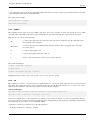
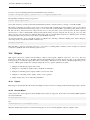
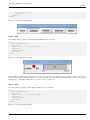
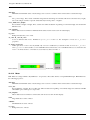
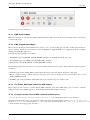
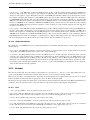
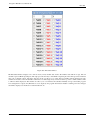
Spinbox controls a FLOAT pin. You increase or decrease the value of the pin by either pressing on the arrows, or pointing at the
spinbox and rolling your mouse-wheel.
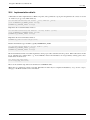
<spinbox>
<halpin>"my-spinbox"</halpin>
<min_>-12</min_>
<max_>33</max_>
<initval>0</initval>
<resolution>0.1</resolution>
<format>"2.3f"</format>
<font>("Arial",30)</font>
</spinbox>
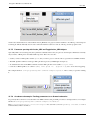
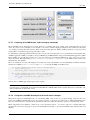
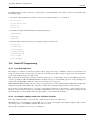
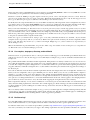
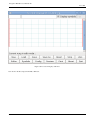
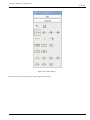
The above code produced this example.
10.6.7.2
Scale
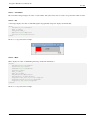
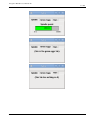
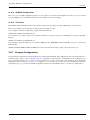
Scale controls a float or a s32 pin. You increase or decrease the value of the pin be either dragging the slider, or pointing at the
scale and rolling your mouse-wheel. The halpin will have both -f and -i added to it to form the float and s32 pins. Width is the
width of the slider in vertical and the height of the slider in horizontal orientation.