1
FINISHES WINDOW
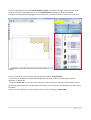
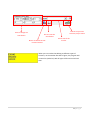
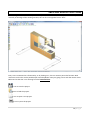
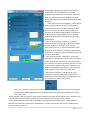
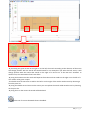
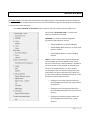
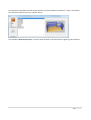
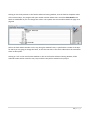
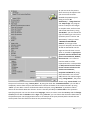
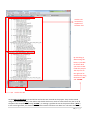
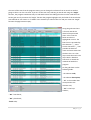
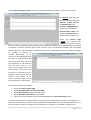
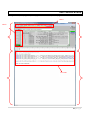
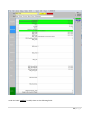
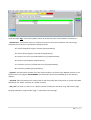
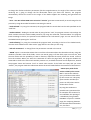
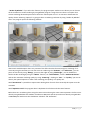
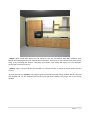
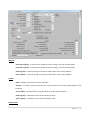
Using the finishes window is possible to load the desired finish for each available layer on the furniture line
that you want to use. On the top of the window there is the name of the furniture line that the user chose,
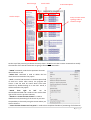
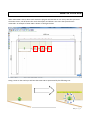
lower there are the layers names with the finishes preview that the program applies on them. By clicking on
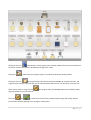
the finish preview, on the layer name on its preview image, the program opens another window where are
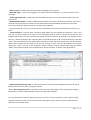
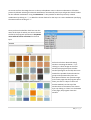
listed all the possible finishes for that layer divided in groups and represented by their own preview image;
by using this new window, you can change the finishes for the selected layer by clicking on finish
description or on its preview .
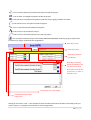
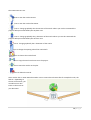
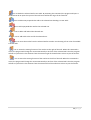
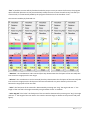
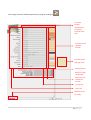
Chosen finish preview
Layer preview
Layer name
Chosen finish description
50 | P a g e