1
IDEAUsersGuide.book Page 65 Monday, August 2, 1999 2:30 PM
IDEA Command Reference
Edit > Search Previous option
The Search Previous option lets you search for a previous occurrence
of a text string previously specified in the Search dialog box. If a
string has not been entered in he Search dialog box, the Search
Previous option is unavailable.
Select the Search Previous option by clicking on Search Previous in
the Edit menu. Alternatively, type Alt+E+P. You can also select the
Search String Backwards tool
on the Tool bar.
If the search string is found, the cursor is moved to that point in the
file with the string highlighted. If the search string is not found, the
cursor remains in its current position.
Edit > Insert File option
The Insert File option lets you insert the contents of a file at the
current position of the cursor.
Select the Insert File option by clicking on Insert File in the Edit
menu. Alternatively, type Alt+E+I.
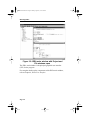
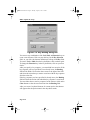
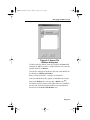
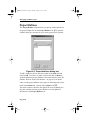
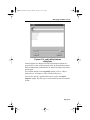
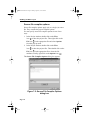
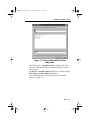
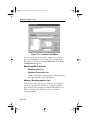
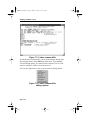
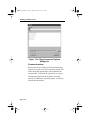
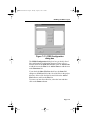
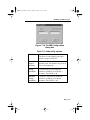
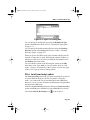
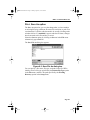
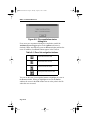
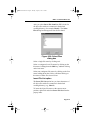
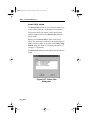
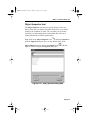
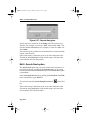
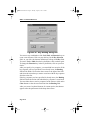
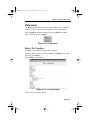
When you insert a file, IDEA looks for all files in the default working
directory (for example, Idea12). The Insert File dialog box that
appears lists all files found.
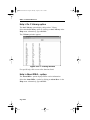
Figure 8-38: Insert File dialog box
Page 8-65