1
En3585.book Page 3 Wednesday, September 11, 2002 3:24 PM
For your safety
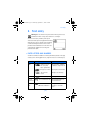
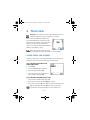
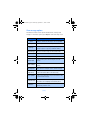
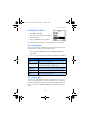
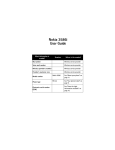
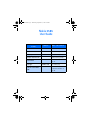
• QUICK GUIDE
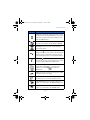
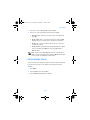
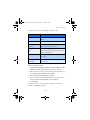
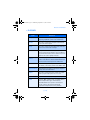
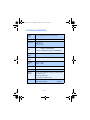
Make a call
Answer a call
Answer a call with
call waiting
Enter phone number, press
Press
Press
or Answer
End a call
Ignore a call
Redial
Adjust call volume
Use the in-call menu
Use 1-touch dialing
Press
Press Silence when your phone rings
Press
twice
Press
or
While in a call, press
to select Options
Press and hold any key 2 through 9
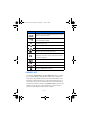
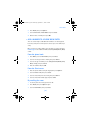
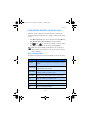
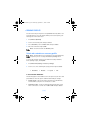
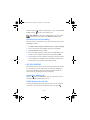
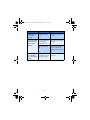
Save a name and number
to select Options, select Save.
Enter a number, press
Enter a name and press OK
Press Names, select Search. Enter first character of name
and press Search
Press Options, scroll New call, press Select, press Search,
enter the first letter of the name to find
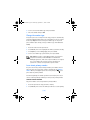
Recall a name/number
Recall a name/number
during a call
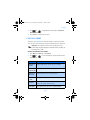
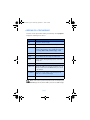
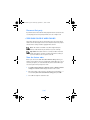
Check voice mail
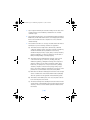
Send a text message
Press and hold
OR dial your voice mailbox number
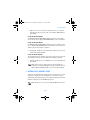
Press Menu 01-1-1. Add recipient’s phone number, then
press Options. Scroll to Enter text, then press Select. Enter
the message text, then press Options and select Send.
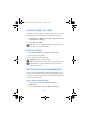
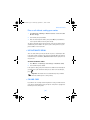
Send an e-mail message Press Menu 01-1-1. Add recipient’s e-mail address, then
press Options. Scroll to Enter text, then press Select. Enter
the message text, then press Options and select Send.
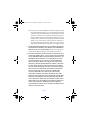
Read new message
Press Show, then press Select.
Reply to a message
Press Options, select Reply, then select a reply option.
Write the reply, press Options and select Send.
Reply to an e-mail messagePress Options, select Reply, then select a reply option.
Write the reply, press Options and select Send.
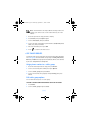
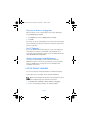
Send a business card (SMS)Recall a name from the phone book. Press Details, then
press Options, select Send bus. card, select Via text msg.
Enter the recipient’s number or press Search to retrieve a
number from the phone book. Press OK.
[3]