1
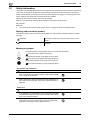
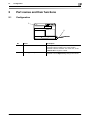
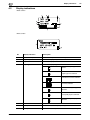
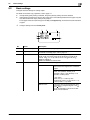
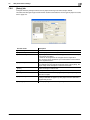
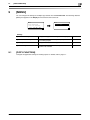
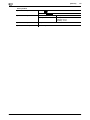
Display indications
4
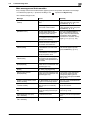
No.
Display indication
Description
10
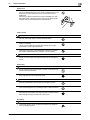
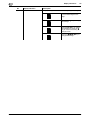
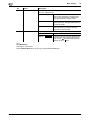
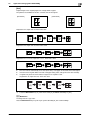
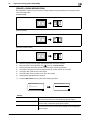
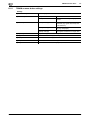
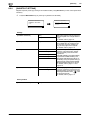
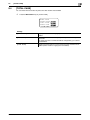
Cursor
Display the key that is used to selector specify the settings.
4.2
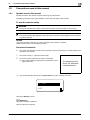
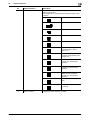
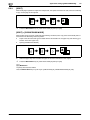
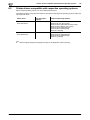
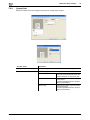
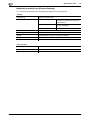
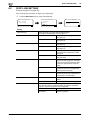
Press the + or , key to select
a menu and change the settings.
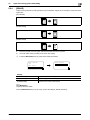
Press the * or ) key to change
the settings.
Press the + or , key to change
the settings, and press the )
key to move to the setting
change screen.
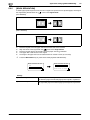
Press the +, ,, * or ) key to
change the settings.
4-6
bizhub 185