1
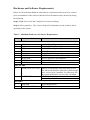
Hardware and Software Requirements
Below are the minimum hardware and software requirements that need to be ensured
prior to installation of the software. Much of this information can be checked by doing
the following
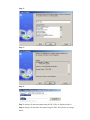
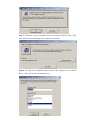
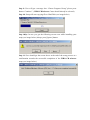
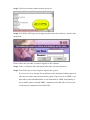
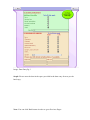
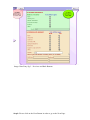
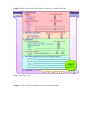
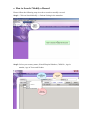
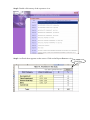
Step 1: Right click on the My Computer Icon on your desktop
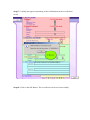
Step 2: Select properties. The screen will provide information on the software that is
operating on the system.
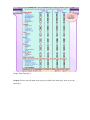
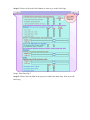
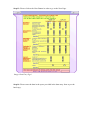
Table 1: Minimum Hardware & Software Requirements
S No.
Hardware / Software
Details
HARDWARE
1.
2.
3.
4.
5.
6.
7.
8.
9.
CPU
RAM
HDD
FDD
CD-ROM
MODEM
MONITOR
KEY BOARD
MOUSE
P4, 2.4 GHz or Higher
128 MB DDR RAM or Higher
40 GB HDD or Higher
1.44 MB
52 X CD-ROM Drive or higher
56 KBPS (Internal / External) or higher
1024 x 768 Pixel Colour Monitor
104 ASCII Character Set USA
Windows Compatible
SOFTWARE
1.
OPERATING SYSTEM
2.
SOFTWARE
Microsoft WINDOWS 2000 Operating System
For Microsoft Windows 2000, the system should
have service pack 4 installed. For Microsoft XP,
the system should have service pack 2 installed.
OFFICE 2000 (Complete)
Internet Explorer 6.0
OTHERS
1.
3.
PRINTER
POWER BACKUP
As Per Requirement
UPS Installed