1
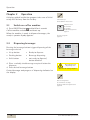
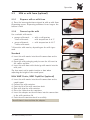
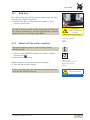
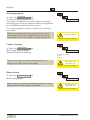
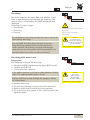
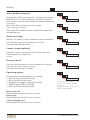
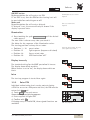
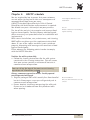
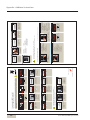
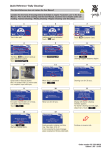
Software Timer state Touch the timer status pad Activate / deactivate timer = On / Off. timer status When the timer is activated, the timer symbol, a little clock, appears on the display. Set timer Touch the timeradjustment pad Program the switch on and switch off times. pad Touch the operating time The run time display appears. Here the day, time, and desired operation are set. timeradjustment Example: Set day (Day) • 1 = Monday • 2 = Tuesday, etc. up to 7 = Sunday • 1-5 = Monday to Friday (weekdays) • 1-7 = entire week (Monday to Sunday) operating time action prg day h min Set the time (hours, minutes) In day 1-5 or day 1-7, the switching times are copied to the indicated days. Set the desired switching time (action) Select desired settings with the and . pads • Switch on time = (on display) Current selection is inversely displayed. • Switch off time = (on display) Confirm with or Delete with Display programmed switching times Touch the Prg pad Programmed switch times are displayed here. Up to 16 switch times (events) per day are possible. Programmed times are listed chronologically. Any new switch time is sorted chronologically immediately . upon input and confirmation with Touch on the pad directly accesses the timer overview. User Manual WMF prestolino! 21