1
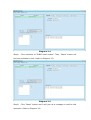
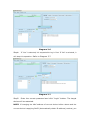
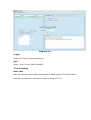
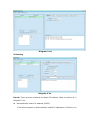
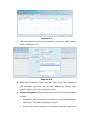
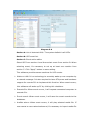
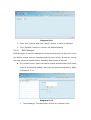
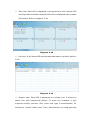
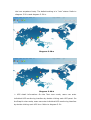
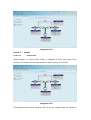
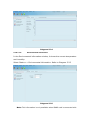
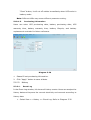
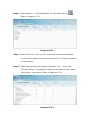
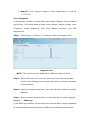
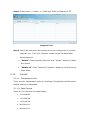
Ø “Export”: Click “Export” button to save listed table to local PC in .CSV file. 5.3.2.4 Diagram In the Diagram window, it shows UPS power data in diagram during selected period time. UPS power data includes input voltage, output voltage, input frequency, output frequency, load level, battery capacity, and UPS temperature. Step 1 Select View >> History >> Diagram. Refer to Diagram 534. Diagram 534 NOTE: This screen may be different for different types of UPSs. Step 2 Select UPS from com. port list. Users still can retrieve old data saved in the software even though the UPS is no longer connected to local system. Step 3 Select cycle and period time. Then click “Browse” button to get the diagram. Step 4 Select monitoring parameters on lefthand tab to switch diagram. 5.3.2.4. EMD Logs In the EMD logs window, it shows the environment data in figures detected by environmental monitoring device (EMD) during selected period time.