1
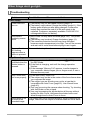
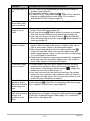
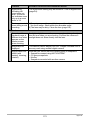
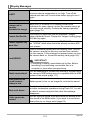
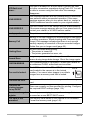
Display Messages
ALERT
The camera’s protection function may have activated
because camera temperature is too high. Turn off the
camera and wait until it cools down before trying to use it
again.
Battery is low.
Battery power is low.
Camera not in
standby.
Re-frame the image.
Move Out CS or Move In CS framing could not be
performed for some reason, and so the camera cannot go
into auto record standby. Perform the framing operation
again (page 72).
Cannot find the file.
The image you specified with the slideshow “Images”
setting cannot be found. Change the “Images” setting (page
106) and try again.
Cannot register any
more files.
You are attempting to save a user BEST SHOT scene in
the “SCENE” folder when the folder already contains 999
user scenes.
There is something wrong with the memory card. Turn off
the camera, remove the memory card and then reload it
into the camera. If this message re-appears when you turn
the camera back on, format the memory card (page 145).
Card ERROR
IMPORTANT!
• Formatting a memory card deletes all its files. Before
formatting, try transferring recoverable files to a
computer or some other storage device.
Check connections!
You are attempting to connect the camera to a printer while
the camera’s USB settings are not compatible with the USB
system of the printer (page 117).
Files could not be
saved because
battery is low.
Battery power is low, so an image file could not be saved.
Flash cool down...
The flash is disabled for a short while to protect the flash
unit after consecutive operations during Flash CS. You will
be able to resume using the flash after this message
disappears.
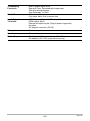
Folder cannot be
created.
You are trying to record a file while there are already 9999
files stored in the 999th folder. If you want to record more,
delete files you no longer need (page 22).
174
Appendix