1
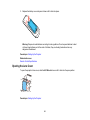
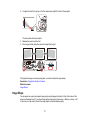
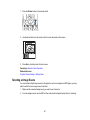
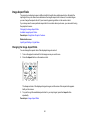
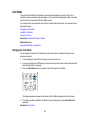
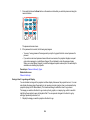
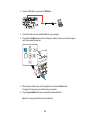
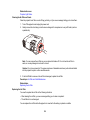
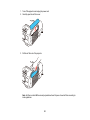
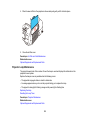
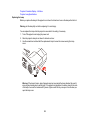
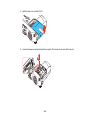
3. Replace the battery cover and press it down until it clicks into place.
Warning: Dispose of used batteries according to local regulations. Do not expose batteries to heat
or flame. Keep batteries out of the reach of children; they are choking hazards and are very
dangerous if swallowed.
Parent topic: Setting Up the Projector
Related references
Remote Control Specifications
Opening the Lens Cover
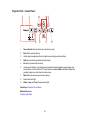
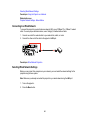
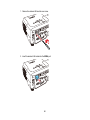
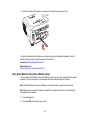
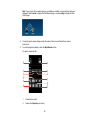
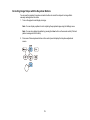
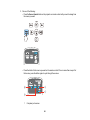
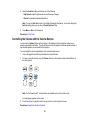
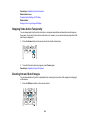
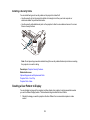
To open the projector's lens cover, slide the A/V Mute slide lever until it clicks into the open position.
Parent topic: Setting Up the Projector
43