1
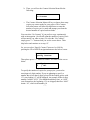
d. Please allow 5-10 seconds for the duplicator to detect your
Hard Drive partition and Blank Discs as well. After your
Hard Drive partition and Blank Discs have been recognized,
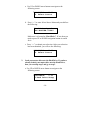
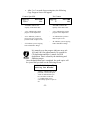
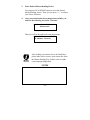
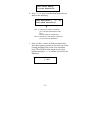
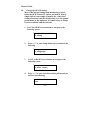
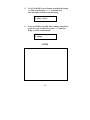
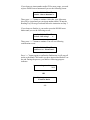
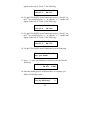
then you shall see the following screen:
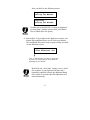
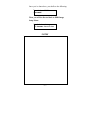
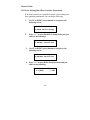
Preparing...
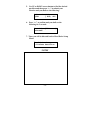
7 Disc Detected, Go?
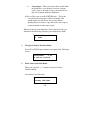
*The “7” indicates there are 7 discs that were
recognized by the recording tray. Actual quantity
may be different depend on your machine.
By default, the “Auto Start” setting is set to “Auto”.
For example, if your duplicator has detected 3 blank
discs and didn’t detect any additional blank discs for
30 seconds, then the duplication will be started
automatically.
Once the number of blank discs you inserted matches
the number of discs detected on the screen. Then
press “>>” (if you are not using Auto Start or wish to
speed up the process) to confirm and the following
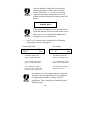
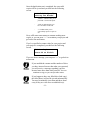
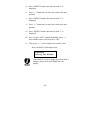
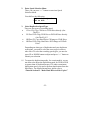
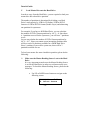
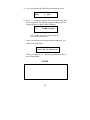
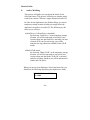
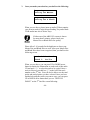
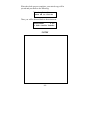
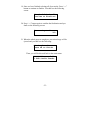
Processing screen will appear.
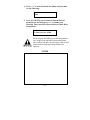
Processing...
Please Wait
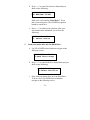
If the number of blank discs you inserted doesn’t
match the number of discs detected on the screen,
please give 10-15 seconds for the duplicator to
recognize all of your blank discs.
- 21 -