1
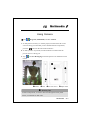
Image Maker
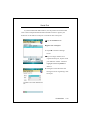
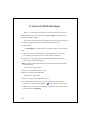
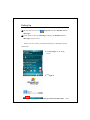
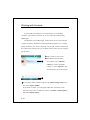
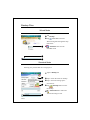
Tap
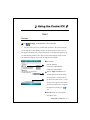
, Programs, Multimedia, and then Image Maker.
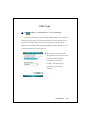
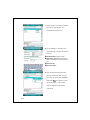
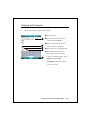
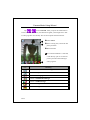
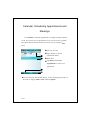
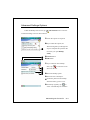
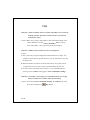
Image Maker is used to create, edit and view pictures. Use it to view
and edit the pictures you take. You can also use the relevant Image Maker
commands and tools such as rotate, stretch, brightness, etc. to edit and
process the graphics.
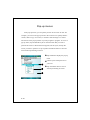
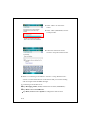
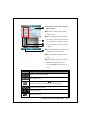
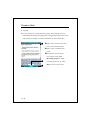
n
o
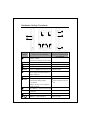
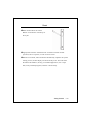
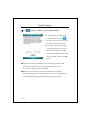
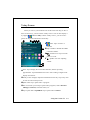
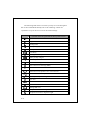
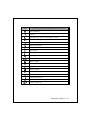
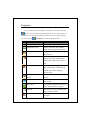
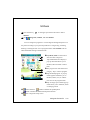
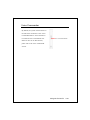
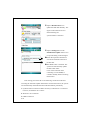
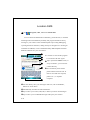
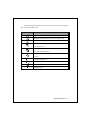
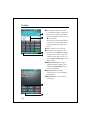
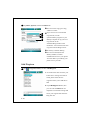
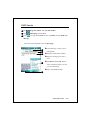
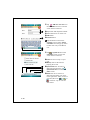
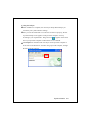
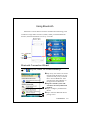
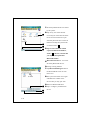
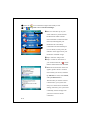
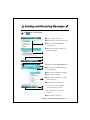
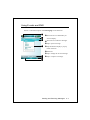
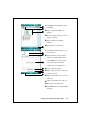
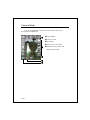
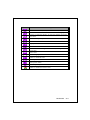
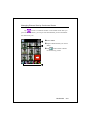
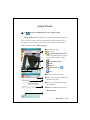
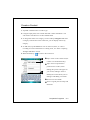
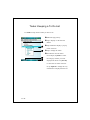
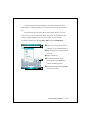
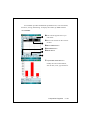
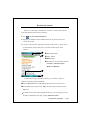
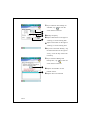
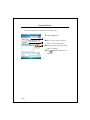
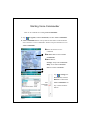
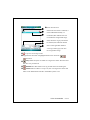
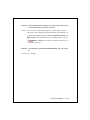
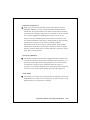
nDrawing tool box.
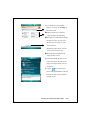
oTap to utilize more drawing tools.
pDrawing or image editing area.
When the image file exceeds the
p
viewing range of the editing area,
tap the scroll button on the right or
bottom of the screen.
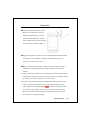
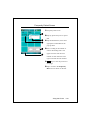
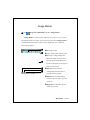
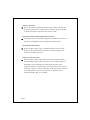
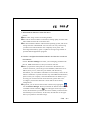
q qFile Button: Provides file
r
management function such as
s
opening and saving files.
rEdit Button: Provides editing
functions such as undo, copy and
paste, etc.
sImage Button: Provides special
effects for pictures.
Multimedia 10-13