1
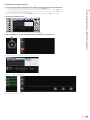
 Checking the device(s) connected by wireless connection
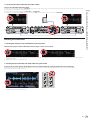
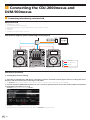
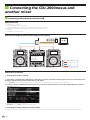
1 Press the [rekordbox] button.
LINK INFO
rekordbox
BROWSE
TAG LIST
INFO
UTILITY
BACK
TAG TRACK
/ REMOVE
MENU
LINK
USB
SD
DISC
QUANTIZE
TIME MODE
AUTO CUE
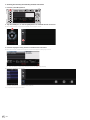
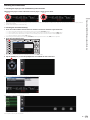
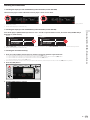
2 Tap the [LOAD] icon, or click the [LINK] button to establish the link connection.
The devices that have been recognized are indicated on the DJ player’s screen.
rekordbox (iOS/Android)
rekordbox (Mac/Windows)
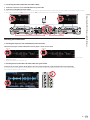
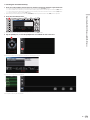
3 Press the DJ player’s rotary selector to authorize the connection.
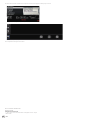
The files, folders and lists loaded into the respective devices are displayed on the DJ player’s screen.
Ex.: When connecting a mobile device (iOS/Android) and a computer (Mac/Windows)
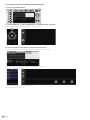
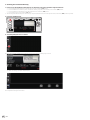
The connection completed screen appears.
rekordbox (iOS/Android)
rekordbox (Mac/Windows)
This completes checking the connections.
6
En