1
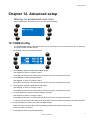
Editing existing stuff
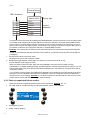
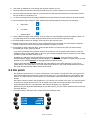
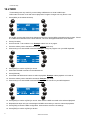
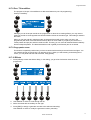
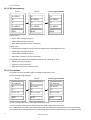
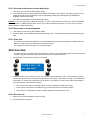
2. Use PG and NL 1-20 to select the preset number. There are 8 pages of 20 presets, giving you a total of 160
pan/tilt presets.
3. Press [ENT] to start editing or [ESC] to cancel. Press [CLEAR] to delete the selected preset. Xciter will ask
for confirmation.
19.2 Quick edit during show
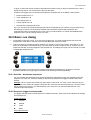
To use the quick edit function, you need to be in cue mode and have a cue with content running.
19.2.1 Edit sequence
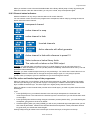
Make sure you are in the basic dialog where the four sequences are visible.
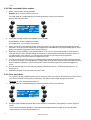
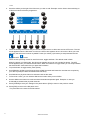
Hold [EDIT] while you press the softkey on the left of the sequence you wish to edit. It is the softkey you
normally use to activate/deactivate the sequence (see basic dialog in run mode features).
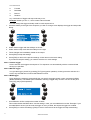
19.2.2 Edit background scene
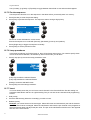
Make sure you are in the extended dialog where the background scene is visible.
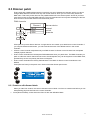
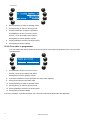
Hold [EDIT] while you press the softkey on the left of the background scene. It is the softkey you normally
use to activate/deactivate the background scene (see extended dialog in run mode features).
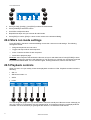
19.2.3 Edit playback scene
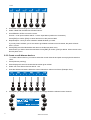
Scroll through the playback banks until you see the playback you wish to edit/
Hold [EDIT] while you press the SM bounce button under the corresponding playback. It is the softkey you
normally use bounce the playback.
70
Xciter user manual