1
INTERFACE OVERVIEW
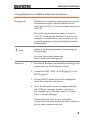
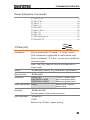
GPIB Function Check
Functionality
check
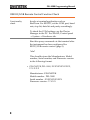
Please use the National Instruments
Measurement & Automation Controller
software to confirm GPIB/LAN functionality.
See the National Instrument website,
http://www.ni.com for details.
Operation
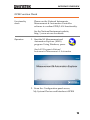
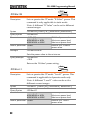
1. Start the NI Measurement and
Automation Explorer (MAX)
program. Using Windows, press:
Start>All Programs>National
Instruments>Measurement & Automation
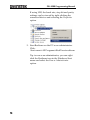
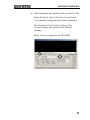
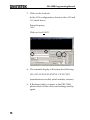
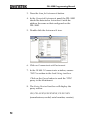
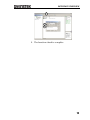
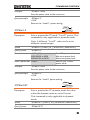
2. From the Configuration panel access;
My System>Devices and Interfaces>GPIB0
13