1
Utility mode/Copy mode parameters
7
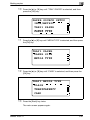
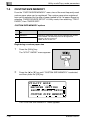
Displaying the "COPY SETTING 1" menu
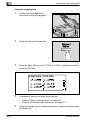
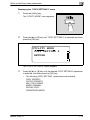
1
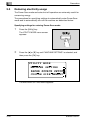
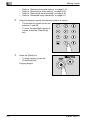
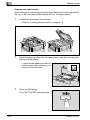
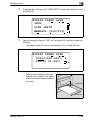
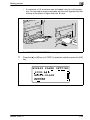
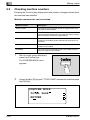
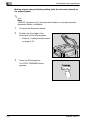
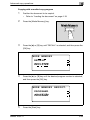
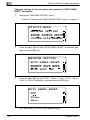
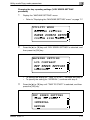
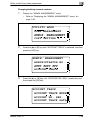
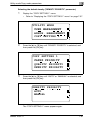
Press the [Utility] key.
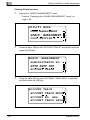
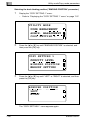
The "UTILITY MODE" menu appears.
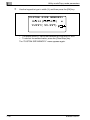
2
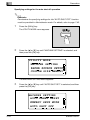
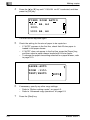
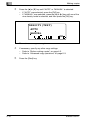
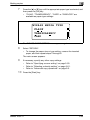
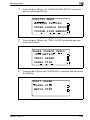
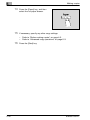
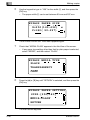
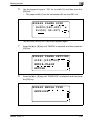
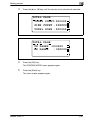
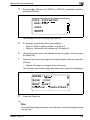
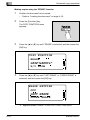
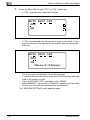
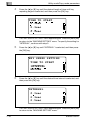
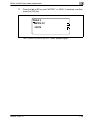
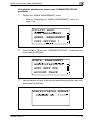
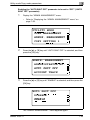
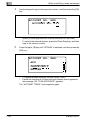
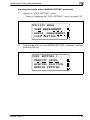
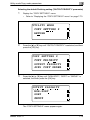
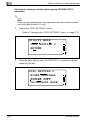
Press the [+] or [,] key until "COPY SETTING 1" is selected, and then
press the [OK] key.
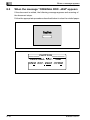
UTILITY MODE
USER MANAGEMENT
ADMIN. MANAGEMENT
COPY SETTING 1
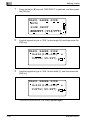
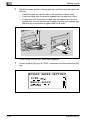
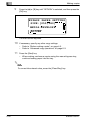
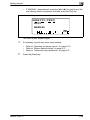
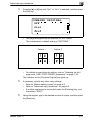
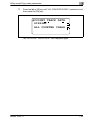
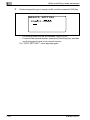
The "COPY SETTING 1" menu appears.
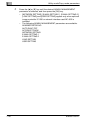
3
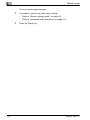
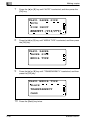
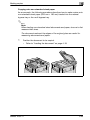
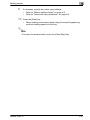
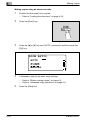
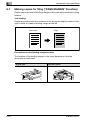
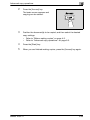
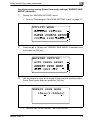
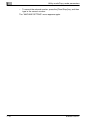
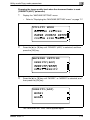
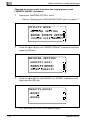
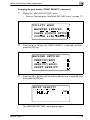
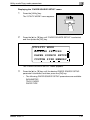
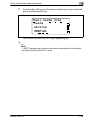
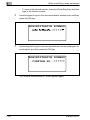
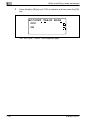
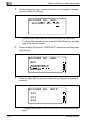
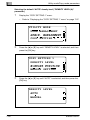
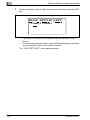
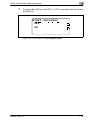
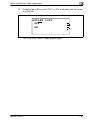
Press the [+] or [,] key until the desired COPY SETTING 1 parameter
is selected, and then press the [OK] key.
–
bizhub 163/211
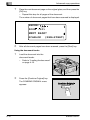
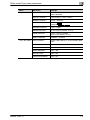
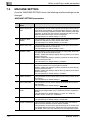
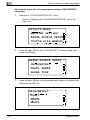
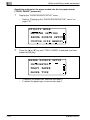
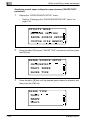
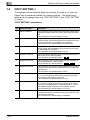
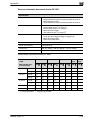
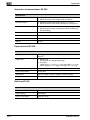
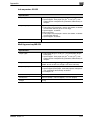
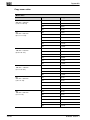
The following COPY SETTING 1 parameters are available.
PAPER PRIORITY
QUALITY PRIORITY
DENSITY PRIORITY
DENSITY LEVEL (A)
DENSITY LEVEL (M)
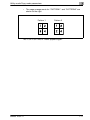
BINDING POSITION
MARGIN SETTING
ERASE SETTING
SMALL ORIGINAL
7-57