1
Slimline High Definition Freestanding Digital Poster User’s Manual
1.5.3 Date & Time
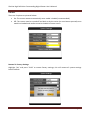
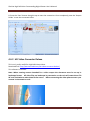
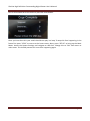
To set accurate date and time first select this menu to open the options pictured below. Next, use
← & → to select which value you wish to modify. Now you can change the setting by pressing ↑ &
↓. Finally highlight “Update Date & Time” and pres “PLAY”. The date and time have been updated;
you can now select Return to the Main Menu.
1.5.4 On/Off Timer
There are 2 modes to choose from - Daily and Weekly.
Page 15