1
Get started
Get to grips with the basics, and have your phone up and running in no time.
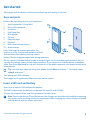
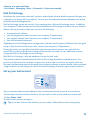
Keys and parts
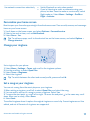
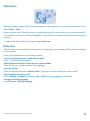
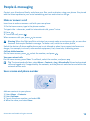
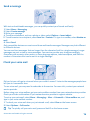
Explore the keys and parts of your new phone.
1
2
3
4
5
6
7
8
9
10
Audio connector (3.5 mm AHJ)
Micro-USB connector
Scroll key
End/Power key
Microphone
Call key
Selection keys
Earpiece
Back cover release button
Antenna area
2
Avoid touching the antenna area while the
antenna is in use. Contact with antennas affects
the communication quality and may reduce
battery life due to higher power level during operation.
Do not connect to products that create an output signal, as this may damage the device. Do not
connect any voltage source to the audio connector. If you connect an external device or headset,
other than those approved for use with this device, to the audio connector, pay special attention to
volume levels.
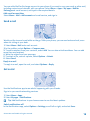
Tip: Lock the keys when not using your phone. Select Menu, and press *. To unlock, select
Unlock, and press *.
Your phone uses S40 software.
The images in this guide may differ from your device screen.
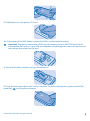
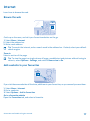
Insert a SIM card and battery
Learn how to insert a SIM card and the battery.
The SIM1 holder under the battery can be used for both 3G and 2G SIMs.
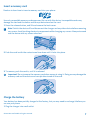
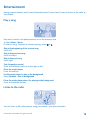
1. Press the release button, and lift and remove the back cover.
Note: Switch the device off and disconnect the charger and any other device before removing
any covers. Avoid touching electronic components while changing any covers. Always store and
use the device with any covers attached.
© 2014 Microsoft Mobile. All rights reserved.
5