1
nl
ow
D
Applying Special Effects
d
de
oa
Still Images
Shooting with a Toy Camera Effect
(Toy Camera Effect)
fro
m
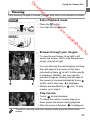
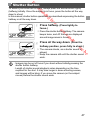
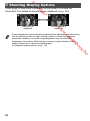
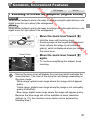
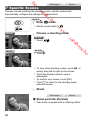
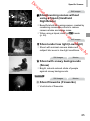
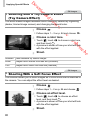
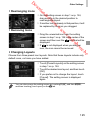
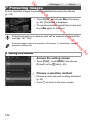
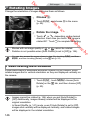
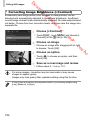
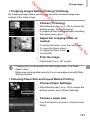
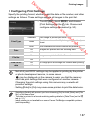
This effect makes images resemble shots from a toy camera by vignetting
(darker, blurred image corners) and changing the overall color.
w
.
w
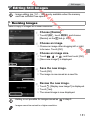
Choose
.
or
nb
de
an
.v
w
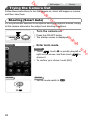
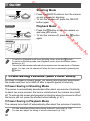
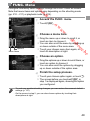
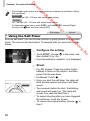
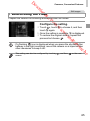
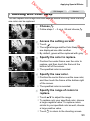
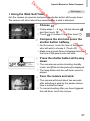
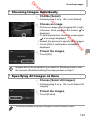
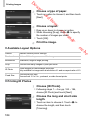
z Follow steps 1 – 2 on p. 84 and choose
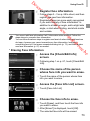
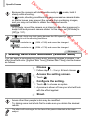
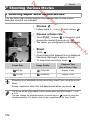
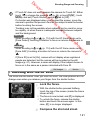
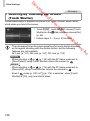
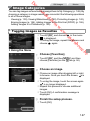
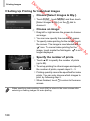
Choose a color tone.
, touch qr to choose a color tone,
and then touch ^.
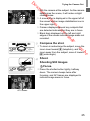
X A preview is shown of how your shot will look
with the effect applied.
z Touch
re
e
.b
Shoot.
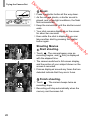
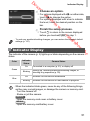
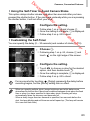
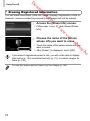
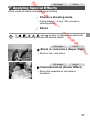
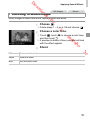
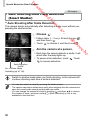
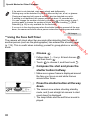
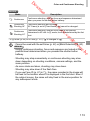
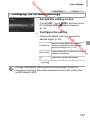
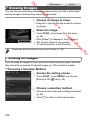
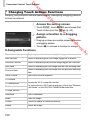
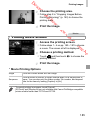
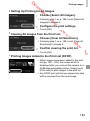
Standard
Shots resemble toy camera images.
Warm
Images have a warmer tone than with [Standard].
Cool
Images have a cooler tone than with [Standard].
Still Images
Shooting With a Soft Focus Effect
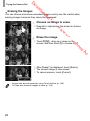
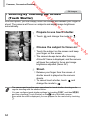
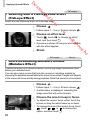
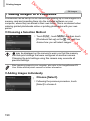
This function allows you to shoot images as if a soft focus filter is attached to
the camera. You can adjust the effect level as desired.
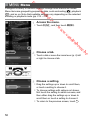
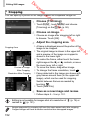
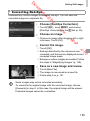
Choose
.
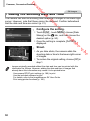
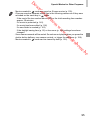
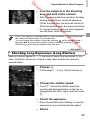
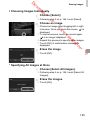
z Follow steps 1 – 2 on p. 84 and choose
.
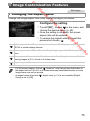
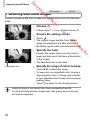
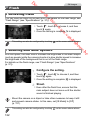
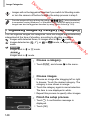
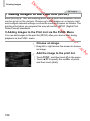
Choose an effect level.
, touch qr to choose an effect
level, and then touch ^.
X A preview is shown of how your shot will look
with the effect applied.
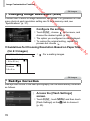
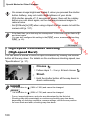
z Touch
Shoot.
90