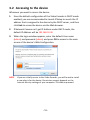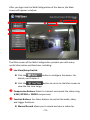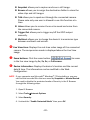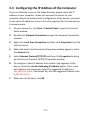
1
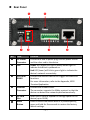
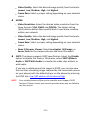
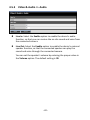
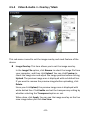
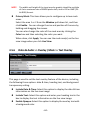
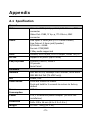
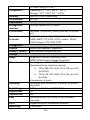
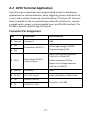
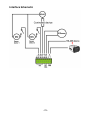
Rear Panel NO. Item Function DC Power Connector Connect one end of power plug into the power source and the other end to the device. LED Power LED (upper) will light a steady amber light to indicate the device is powered on. Link LED (lower) will blink a green light to indicate the device’s network connectivity. GPIO and RS485 Connect the external devices for trigger and advanced functions. For more information, refer to the Appendix, GPIO Terminal Application. Ethernet Connector Connect the network cable. The connector supports the NWay protocol so that the device can detect the network speed automatically. SD Card Slot Insert the SD card to expand the storage space for the device (up to 32GB) Reset Button Press to restart the device when it is pressed quickly; press and hold for five seconds to restore the factory default settings. -7-