1
SubliJet-R: Ricoh GX e7700N
PowerDriver-R User’s Manual
5.
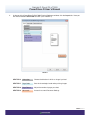
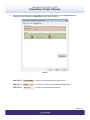
At the top of the PowerDriver-R GXe7700N Printing Preference window, click the Paper/Quality tab.
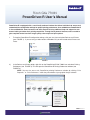
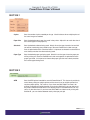
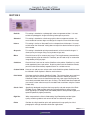
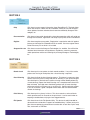
Here you will find three different SECTIONS to utilize: (see FIGURE 5).
FIGURE 5
SECTION 10
Tray Selection
Allows you to select the printer’s paper source
SECTION 11
Color
This default is locked and controlled by PowerDriver-R
SECTION 12
Advanced…
Access the current Document Settings
PAGE 8 of 9 >>