1
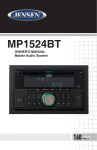
MP1516BT
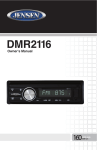
Using the Remote Control
1. P
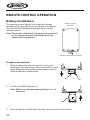
oint the Remote Control at the remote control receiver on front panel of the
unit. Make sure that the signal path is not obstructed.
2. Press the function keys on the handset to control the system.
Note: The maximum distance at which signals can be received is about 6 feet.
Do not drop or throw the remote control. Do not place the remote control in a
location that is exposed to direct sunlight or next to a heating unit or other heat
source.
Remote Control Functions
1
2
3
4
5
6
7
8
24
23
22
21
20
19
18
17
9
10
AF
TA
PTY
ID3
16
15
14
11
12
13
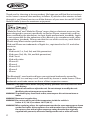
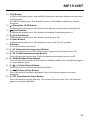
1. (Power On/Off) / MUT (Mute) Button
Press this button to turn the unit ON. Press and hold this button to turn the
unit OFF.
When the unit is on, press this button to mute the audio. Press this button
again to unmute the audio.
21