1
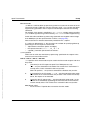
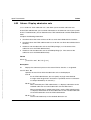
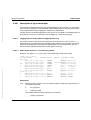
ftshwl
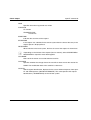
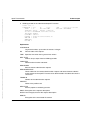
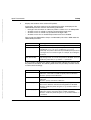
-po=polling interval
The polling interval indicates the time between repetitions in seconds. On each repetition, all the new log records are filtered in accordance with the specified selection
criteria and the detected records are output.
If you also specify -pnr, you can limit the number of times the data is output. If you
specify -po without -pnr, output is repeated an unlimited number of times.
4. October 2012 Stand 13:42.56
Pfad: D:\Projekte-01-FSC\openft\satz_V12-korr\adm_w_e.k06
openFT commands
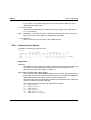
If repeated output has been started with the -po option (with or without -pnr), it can
be canceled by an interrupt signal (e.g. Ctrl+C). In addition, the operation is canceled if an error occurs. When the asynchronous server is stopped, output is not interrupted but continues to be issued.
-po must not be specified in combination with -lf, -llf, -plf, -tlf, -tid, -gid, -nb or -rg.
Possible values: 1 through 600.
i
No log records should be deleted during polling as otherwise discontinuities
in the output may appear!
-po not specified
The log records are output immediately and once only.
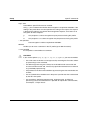
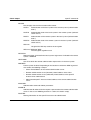
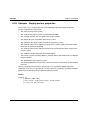
-pnr=polling number
-pnr specifies the number of repetitions.
-pnr can only be specified in conjunction with -po.
Possible values: 1 through 3600.
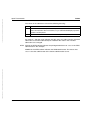
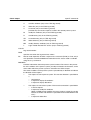
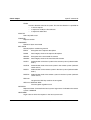
-l
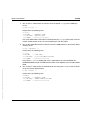
Defines that the log records are to be output in long form.
-l not specified
The log records are output in short form if -csv has not been specified.
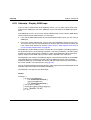
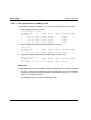
-csv
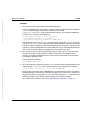
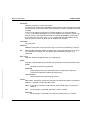
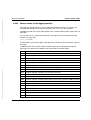
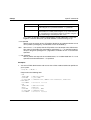
You can use -csv to specify that the log records are to be output in the CSV format.
The values in the output are separated by semicolons.
If -csv is specified, output is always in long form (analogous to -l) regardless of
whether or not -l has also been specified.
-csv not specified
The log records are output in the standard format, i.e. in abbreviated form if -l is not
specified and in detailed form if -l is specified.
Dokuschablonen (FDSA5) V4.1.
by ff
Internationales Dokuzentrum SNI BU TD DOK © Siemens Nixdorf Informationssysteme AG 1995
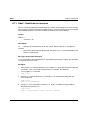
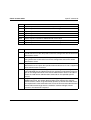
-pnr not specified
The output is repeated without restriction.
openFT V12.0 for Windows Systems - Administration
303