1
RSKRX210B
7.2
7. Reviewing the Tutorial Program
Main Functions
This section will look at the program code called from within the main() function, and how it works.
•
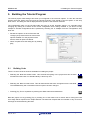
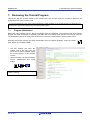
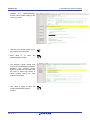
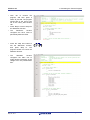
Find the main.c file from the file tree on the left
hand side, then double click it to open the file,
or right-click the filename and select ‘Open
main.c’.
•
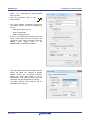
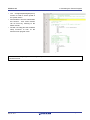
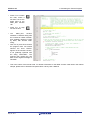
Place an event at the call to main(); by double
clicking in the On-Chip Breakpoint column
next to the line to stop at.
Note that two event points will appear because they
share the same source address.
•
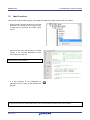
It is also possible to set breakpoints by
selecting the line to stop at and pressing the
[F9] key.
F9
The E1 emulator features advanced logic-based event point trigger system, and full instruction on its use is outside the
scope of this tutorial. For further details, please refer to the RX Family E1/E20 Emulator User’s Manual
R20UT2605EG0100 Rev. 1.00
May 02, 2013
Page 21 of 29