1
68
Vision Express User Manual
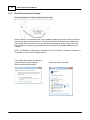
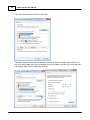
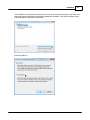
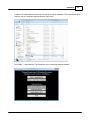
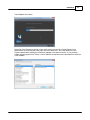
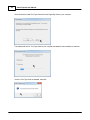
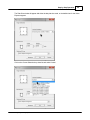
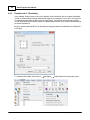
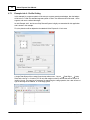
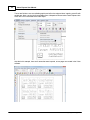
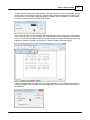
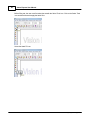
Change the settings to Always compress or expand text to fit width, Method: Width compress/expand,
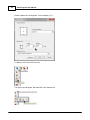
and Apply to: Each Line Individually. Deselect Word Wrap, then select OK.
For a detailed description of all the font modifications possible, refer to the Vision software help or user
manual.
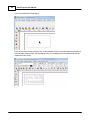
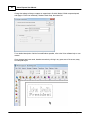
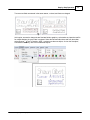
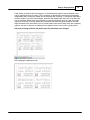
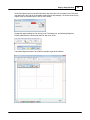
Once changes have been made, deselect text mode by clicking in any open area of the screen, away
from the plate object.
© 2015 Vision Engraving & Routing Systems