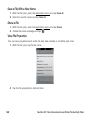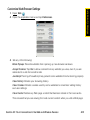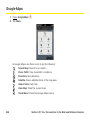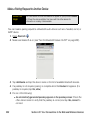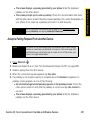
1
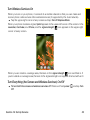
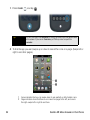
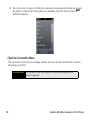
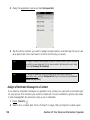
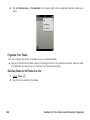
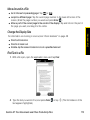
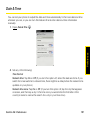
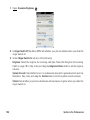
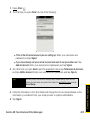
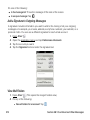
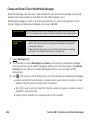
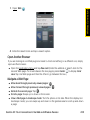
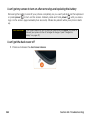
1. Open Tasks
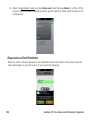
. (The number to the right of the All Tasks field shows the total number of
tasks that are due today or are overdue. The number to the right of each task list name
shows the number of tasks due today or overdue for that list.)
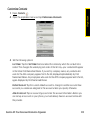
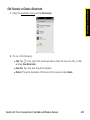
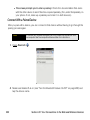
2. Tap a task list name to view tasks that are due today or overdue.
Rename a Task
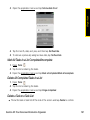
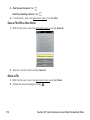
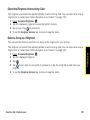
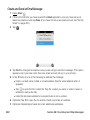
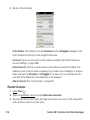
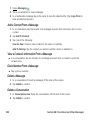
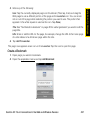
1. On the task list, tap the task name.
2. Enter the new name and press Enter
.
Filter a Task List
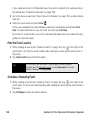
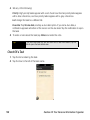
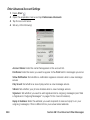
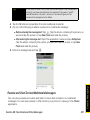
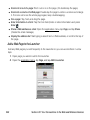
By default, a task list displays all tasks. You can filter a task list to show remaining tasks or
completed tasks.
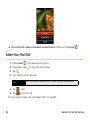
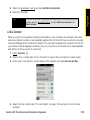
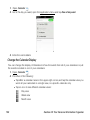
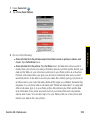
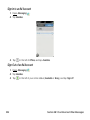
1. Open Tasks
.
2. Tap the list you want to filter.
Section 2E: Your Personal Information Organizer
159
Organizer
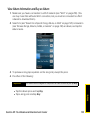
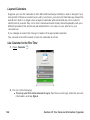
View Tasks That Are Due Today