1
Pressure Sealer ES-5000
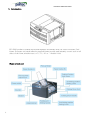
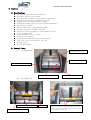
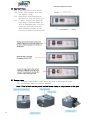
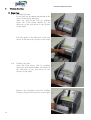
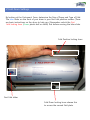
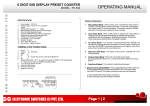
5) Operator Panel
5.1) Power Switch: Power On/Off
5.2) Reset: Reset button will clear
the display count
5.3) Start/Stop: Start/Stop button
will start or stop the Feed cycle
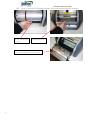
5.4) Counter: Display will show the
total page count/resettable as
well as Firmware Rev. Level at
Start-up, Fold unit open and
Jam condition, please see the
pictures as below for the details
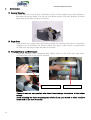
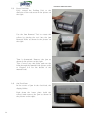
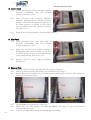
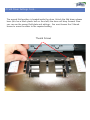
6) Manual Feed
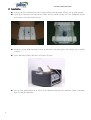
6.1) Fold the form manually and insert the form to the manual feeder
6.2) Press Start button to run the machine
Note: This is ideal for the poorly sealed forms owing to evaporation of the glue
10