1
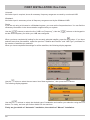
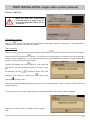
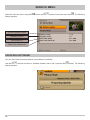
FIRST INSTALLATION: Channel Search/Date and time
Use the
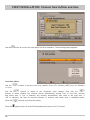
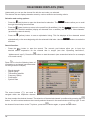
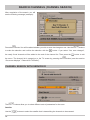
button to move to the next step of the first installation. The following display appears:
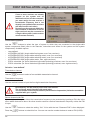
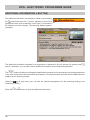
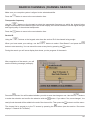
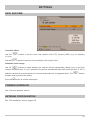
Local time offset
Use the
+1 hour).
buttons to set the time zone variation from UTC (formerly GMT) (e.g. for Germany
Use the
buttons to select
and winter time.
“Off” is selected,
Press the
buttons to perform the setting.
Press the
$ (green) button to close First Installation and return to the TV picture.
28
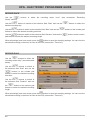
buttons to switch to the “Automatic clock change” field. Use the
whether the receiver should automatically change over to and from summer
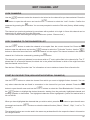
If “On” is selected, the receiver automatically sets itself to the right time. If
the field for manual selection of summer and winter time is displayed below.