1
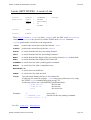
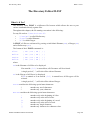
SEDIT COMMAND REFERENCE GUIDE
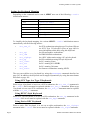
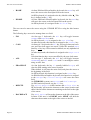
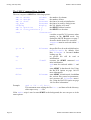
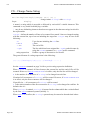
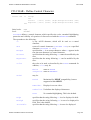
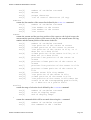
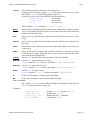
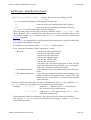
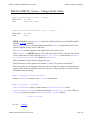
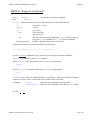
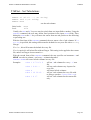
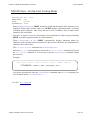
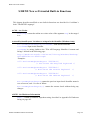
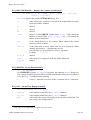
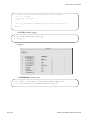
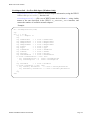
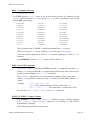
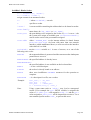
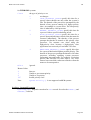
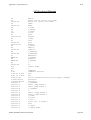
S_HELP
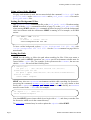
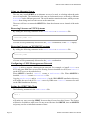
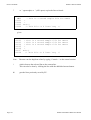
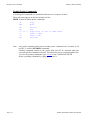
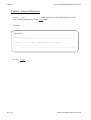
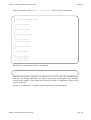
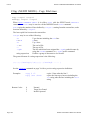
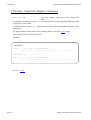
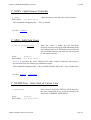
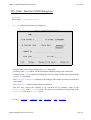
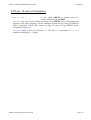
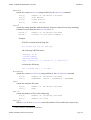
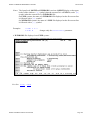
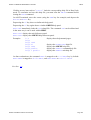
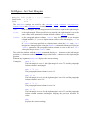
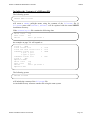
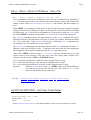
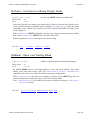
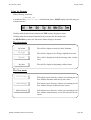
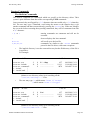
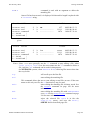
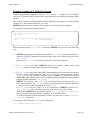
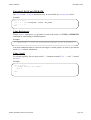
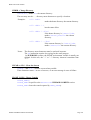
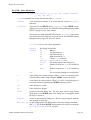
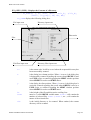
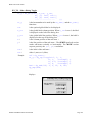
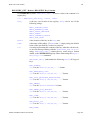
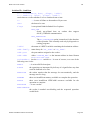
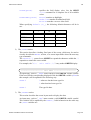
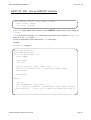
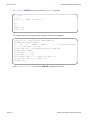
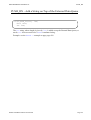
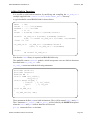
S_Help - Shows Help About a Selected Item
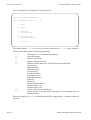
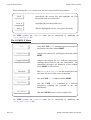
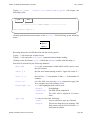
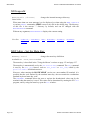
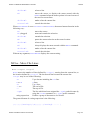
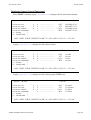
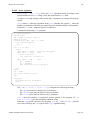
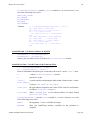
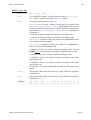
starts editing the help file selected with the mouse.
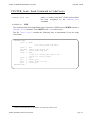
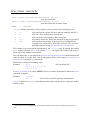
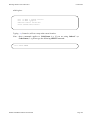
S_Help
If the selection is one character wide, it will be expanded to the word.
This command is mapped to the ^H key by default.
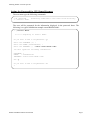
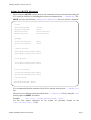
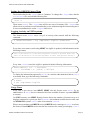
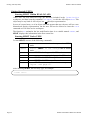
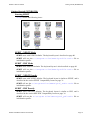
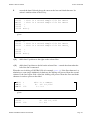
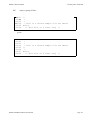
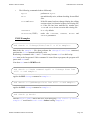
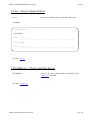
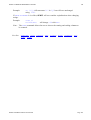
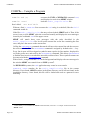
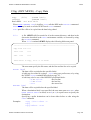
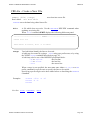
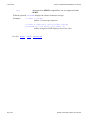
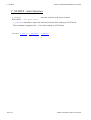
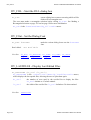
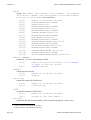
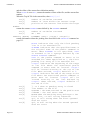
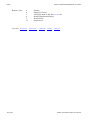
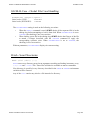
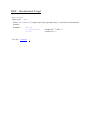
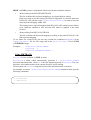
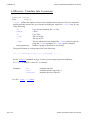
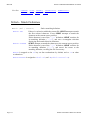
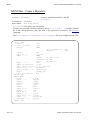
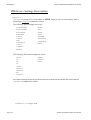
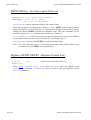
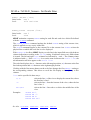
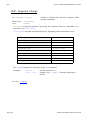
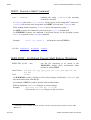
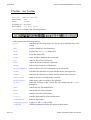
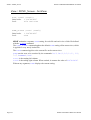
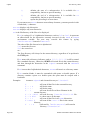
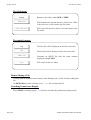
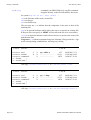
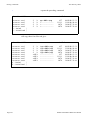
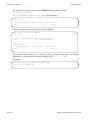
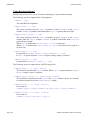
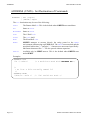
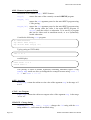
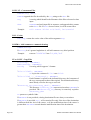
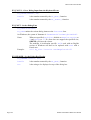
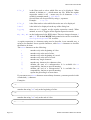
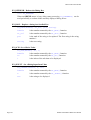
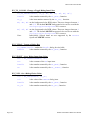
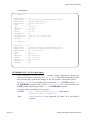
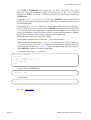
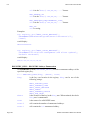
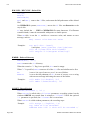
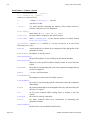
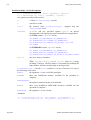
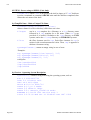
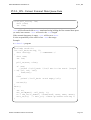
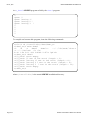
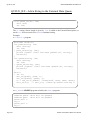
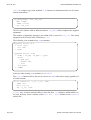
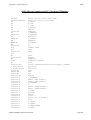
S_Lower - Translate Into Lowercase
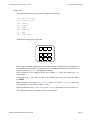
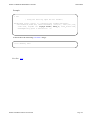
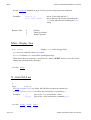
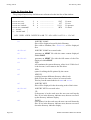
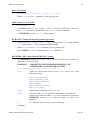
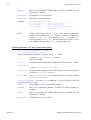
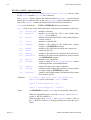
translates the characters selected with the mouse into
lowercase.
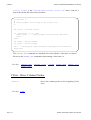
S_Lower
Scope:
Display
This command is mapped to the ^l key by default.
See Also: LOWERCAS
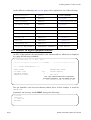
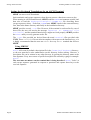
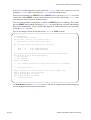
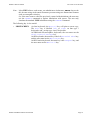
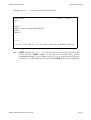
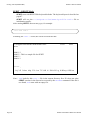
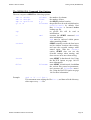
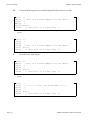
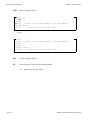
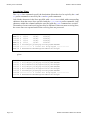
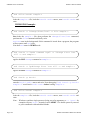
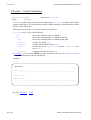
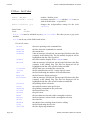
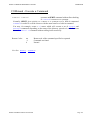
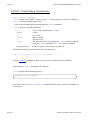
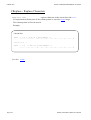
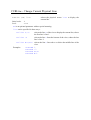
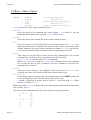
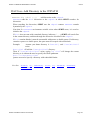
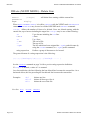
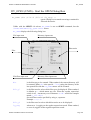
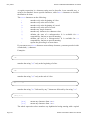
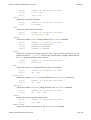
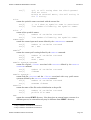
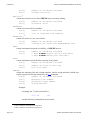
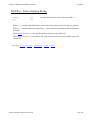
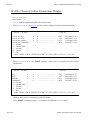
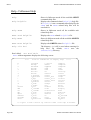
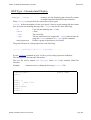
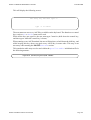
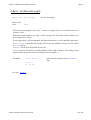
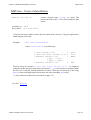
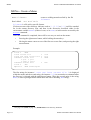
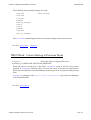
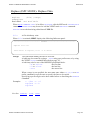
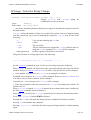
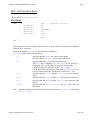
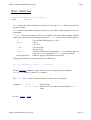
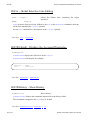
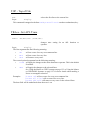
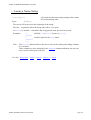
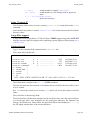
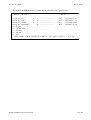
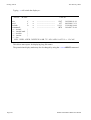
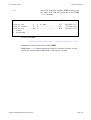
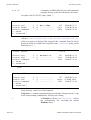
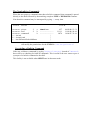
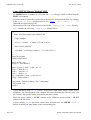
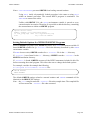
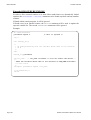
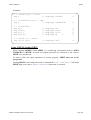
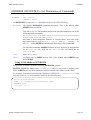
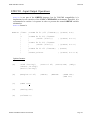
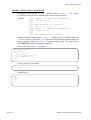
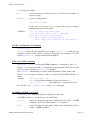
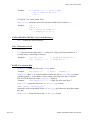
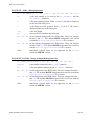
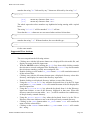
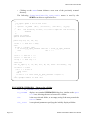
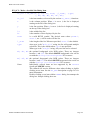
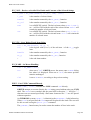
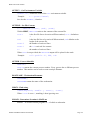
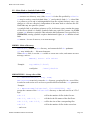
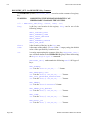
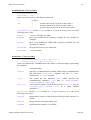
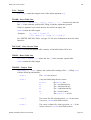
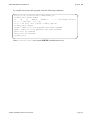
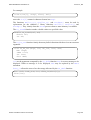
S_LShift - Shift Left from Selection
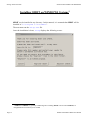
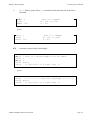
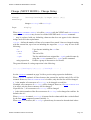
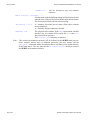
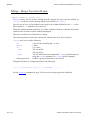
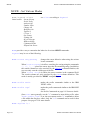
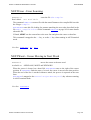
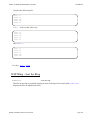
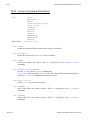
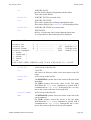
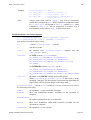
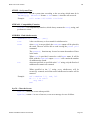
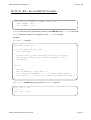
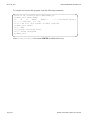
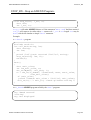
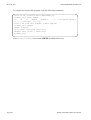
S_LShift {cols}
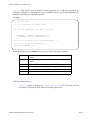
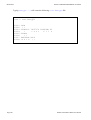
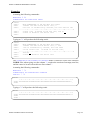
S_LShift considers the current selection. The text from the column where the selection
starts will be moved to the left.
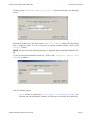
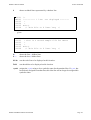
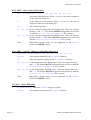
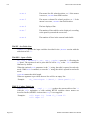
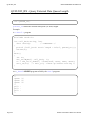
cols specifies the number of columns the data is to be shifted. When omitted, a value of 1
is assumed.
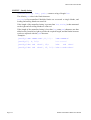
This command is mapped to the M-F7 key by default.
See Also: SHIFT, S_RSHIFT
SEDIT and S/REXX Reference Manual
Page 423