1
Before Use
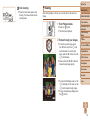
Still Images
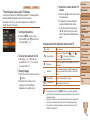
Using the Wink Self-Timer
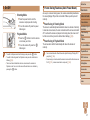
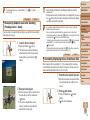
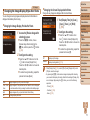
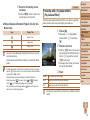
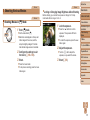
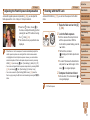
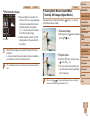
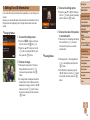
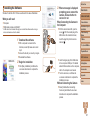
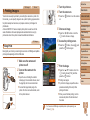
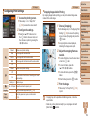
Aim the camera at a person and press the shutter button all the way down.
The camera will shoot about two seconds after a wink is detected.
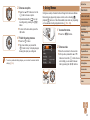
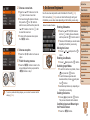
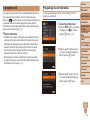
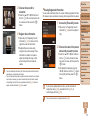
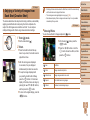
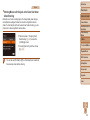
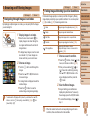
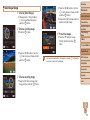
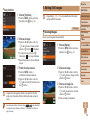
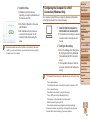
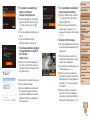
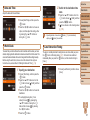
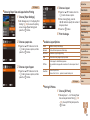
1 Choose [ ].
zz
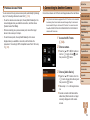
Follow steps 1 – 2 in “Specific Scenes”
(= 55) and choose [ ], and then
press the <l> button.
zz
Press the <q><r> buttons or turn the
<5> dial to choose [ ], and then press
the <l> button.
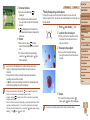
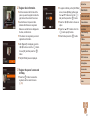
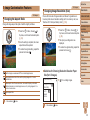
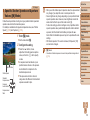
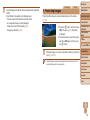
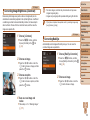
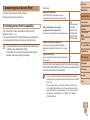
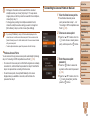
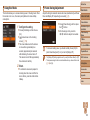
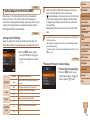
2 Compose the shot and press
the shutter button halfway.
zz
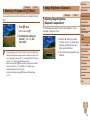
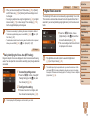
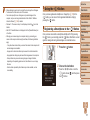
Make sure a green frame is displayed
around the face of the person who will
wink.
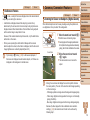
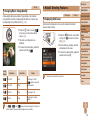
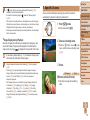
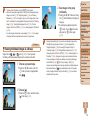
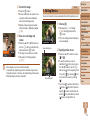
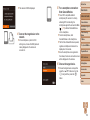
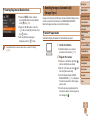
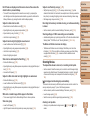
3 Press the shutter button all the
way down.
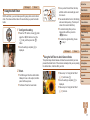
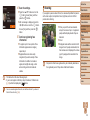
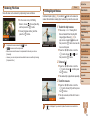
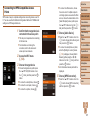
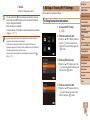
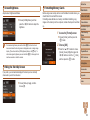
4 Face the camera and wink.
zz
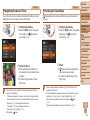
The camera will shoot about two seconds
Basic Guide
after detecting a wink by the person
whose face is inside the frame.
zz
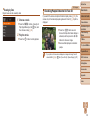
To cancel shooting after you have
triggered the self-timer, press the
<n> button.
Advanced Guide
• If the wink is not detected, wink again slowly and deliberately.
• Winking may not be detected if eyes are obscured by hair, a hat, or glasses.
• Closing and opening both eyes at once will also be detected as a wink.
• If winking is not detected, the camera will shoot about 15 seconds later.
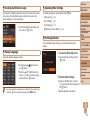
• To change the number of shots, press the <o><p> buttons after choosing
[ ] in step 1. [Blink Detection] (= 49) is only available for the final shot.
• If no one is in the shooting area when the shutter button is pressed all the way
down, the camera will shoot after a person enters the shooting area and winks.
• The zoom factor cannot be changed with the < > button after you press the
shutter button all the way down.
Camera Basics
Auto Mode / Hybrid
Auto Mode
Other Shooting
Modes
P Mode
Tv, Av, and M Mode
Playback Mode
Wi-Fi Functions
Setting Menu
Accessories
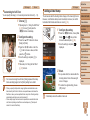
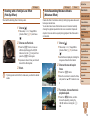
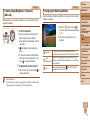
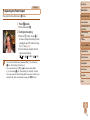
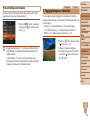
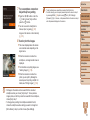
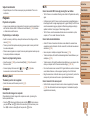
zz
The camera now enters shooting standby
Appendix
mode, and [Wink to take picture] is
displayed.
zz
The lamp blinks and the self-timer sound
is played.
Index
62