1
Utilities
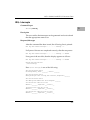
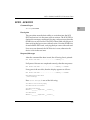
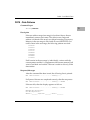
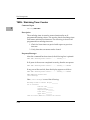
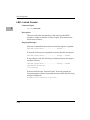
DP - Display Pass Count
2
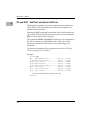
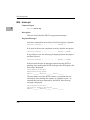
A count of the number of passes in Loop-Continue (LC) mode is
kept by the monitor. This count is displayed with other information
at the conclusion of each pass. To display this information without
using LC, enter DP.
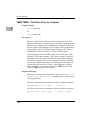
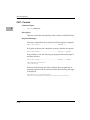
Example:
PPC1-Diag>dp
Pass Count =19
PPC1-Diag>
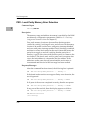
HE - Help
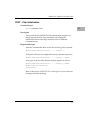
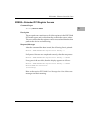
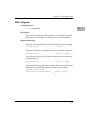
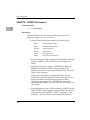
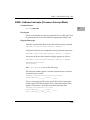
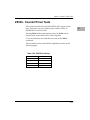
The Help command provides on-line documentation. Entering HE
at the diagnostics prompt (PPC1-Diag>) displays a menu of the top
level directory of utility commands and test group names if no
parameters are entered, or the menu of a subdirectory if the name
of that subdirectory, or test group name, is entered following HE.
The display of the top level directory lists “(DIR)” after the name of
each command that has a subdirectory.
Note
If HE is entered to the debugger prompt (PPC1-Bug>), the
debugger commands will be displayed.
Examples:
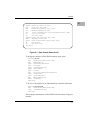
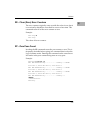
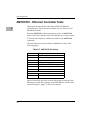
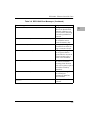
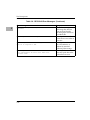
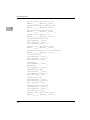
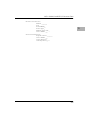
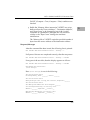
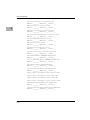
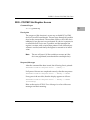
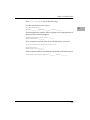
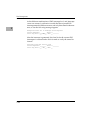
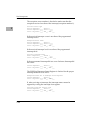
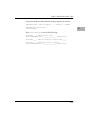
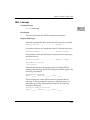
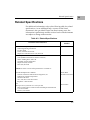
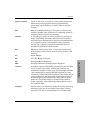
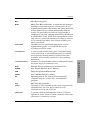
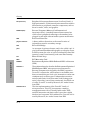
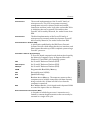
To display the menu of all utility and test group names, enter:
PPC1-Diag>he
(see Figure 2-1)
When a menu is too long to fit on the screen, it pauses until you
press RETURN again.
2-5








































![Fio 2.0 UM ECU [ENG]](http://vs1.manualzilla.com/store/data/005638068_1-6dee15c8bb797972f1fa6aeeeee54189-150x150.png)