1
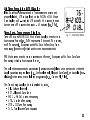
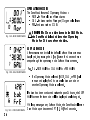
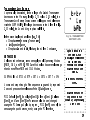
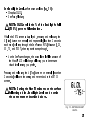
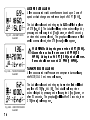
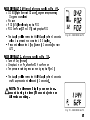
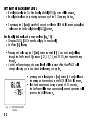
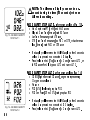
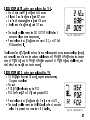
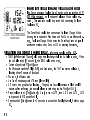
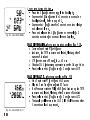
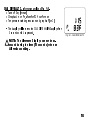
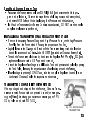
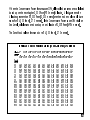
Air Time Remaining (ATR) Display If the DataMask's Receiver and a Transmitter are active and properly linked, ATR is displayed on the NOR or GAU Main Dive display as 1 - - with the ATR icon if > 60 minutes, then in decrements of 1 minute when it is <= 60 minutes (Fig. 11a). Time, Date, Temperature Displays a Time of Day and NOR/GAU Mode Time displays are shown in Fig. 11 - NOR DIVE MAIN hour:minute format (i.e., 1:16 represents 1 hour and 16 minutes, not 116 minutes). Exception is the No Deco Safety Stop Time remaining (countdown) which is shown as minutes:seconds FRE Mode times are shown in minute:second format. Exception is No Deco Dive Time Remaining which is hour:minute format. The colon that separates hours:minutes (minutes:seconds) blinks once per second when the display is indicating real time (e.g., Surface Interval, Elapsed Dive Time), and is solid (nonblinking) when times are calculated projections (e.g., Time to Fly, Plan). The Times being displayed are identified by icons. SI = Surface Interval EDT = Elapsed Dive Time NDC = No DeCo time remaining ATR = Air Time Remaining OTR = O2 Time Remaining TAT = Total Ascent Time required 23