1
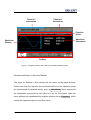
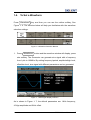
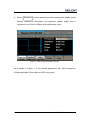
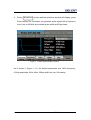
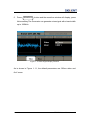
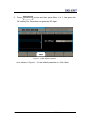
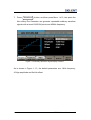
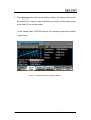
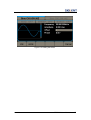
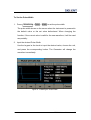
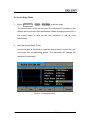
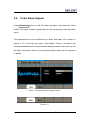
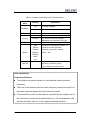
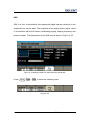
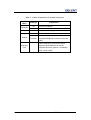
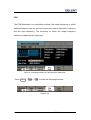
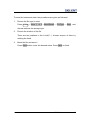
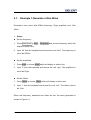
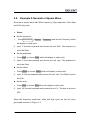
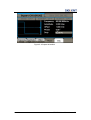
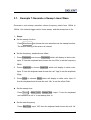
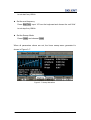
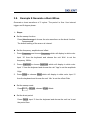
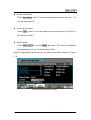
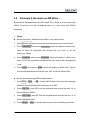
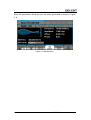
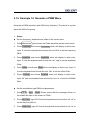
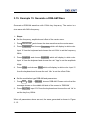
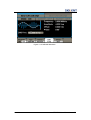
3.14. Example 14: Generate a PWM Wave Generate a PWM waveform with 200Hz key frequency. The carrier is a pulse wave with 5KHz frequency. Steps: Set the frequency, amplitude and offset of the carrier wave. 1. Press Waveforms , and choose the Pulse waveform as the carrier wave 2. Press Frequency and choose Frequency which will display in white color. Input ‘5’ from the keyboard and choose the unit ‘KHz’ to set the frequency 5KHz 3. Press Amplitude and choose Amplitude which will display in white color. Input ‘5’ from the keyboard and choose the unit ‘Vpp’ to set the amplitude 5Vpp. 4. Press Offset and choose Offset which will display in white color. Input ‘0’ from the keyboard and choose the unit ‘Vdc’ to set the offset 0Vdc. 5. Press PulWidth and choose PulWidth which will display in white color. Input ‘40’ from the keyboard and choose the unit ‘us’ to set the PulWidth 40us Set the modulation type PWM and parameters. 1. Press Mod →Type →PWM, Please notice that the message shown on the middle left side of the screen is ‘PWM ’. 2. Press Key Freq, input ‘200’ from the keyboard and choose the unit ‘Hz’ to set the key freq 200 Hz. 3. Press Width Dev, input ‘20’ from the keyboard and choose the unit ‘us’ to SDG5000 User Manual 121